Real-world-tested best AI tools for YouTube thumbnails, scripts, editing, voice & SEO. See what’s actually worth using in 2026 — pricing included
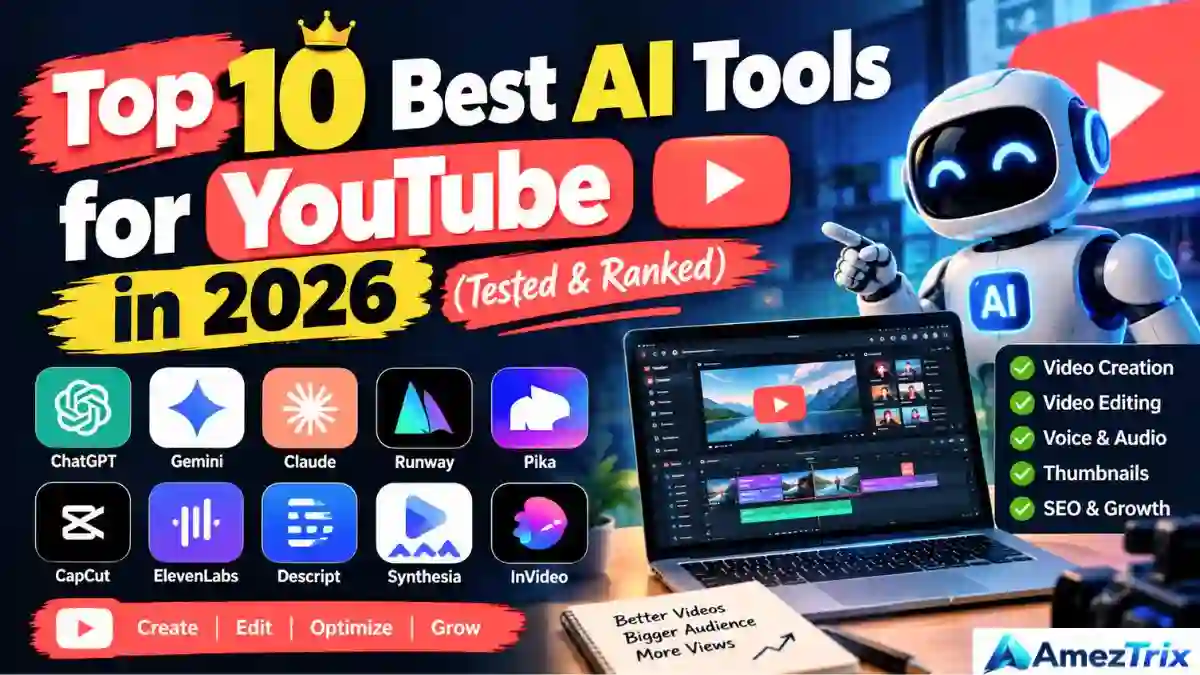
Best AI Tools for YouTube: Thumbnails, Scripts, Editing, Voiceovers, SEO & Shorts
Three years ago, best AI tools for YouTube meant a caption generator and maybe a basic script assistant. That’s it. Things have moved fast since then, and honestly, most lists claiming to cover the best AI tools for YouTube haven’t caught up.
I spent the last few weeks actually using the tools creators rely on right now — not the ones with the flashiest ads, but the ones showing up in real workflows. Some surprised me. A few, frankly, didn’t live up to the hype.
Here’s the thing about running a channel, big or small: your bottleneck was never ideas. It’s time. Thumbnails, scripts, edits, voiceovers, SEO, Shorts — each one quietly eats an hour here, two hours there. This guide walks through what’s actually worth your money (or your time, if you’re sticking to free tiers) for each part of that process.
Why This Actually Matters in 2026
YouTube doesn’t just compete with other YouTube channels anymore. It’s fighting for attention against TikTok, Reels, and a viewer’s shrinking patience for anything that takes more than three seconds to get interesting. The algorithm still cares about the same three things it always has: click-through rate, watch time, and retention. What’s changed is the pace you’re expected to keep up with.
So no, AI isn’t here to replace your ideas. Nobody wants a channel that sounds like a script bot wrote it (a little ironic, given the topic). Best AI tools for YouTube are actually good at killing the repetitive stuff — the fifteenth thumbnail variation, the tenth script rewrite, captions you’d otherwise type by hand at midnight.
Let’s get into it.
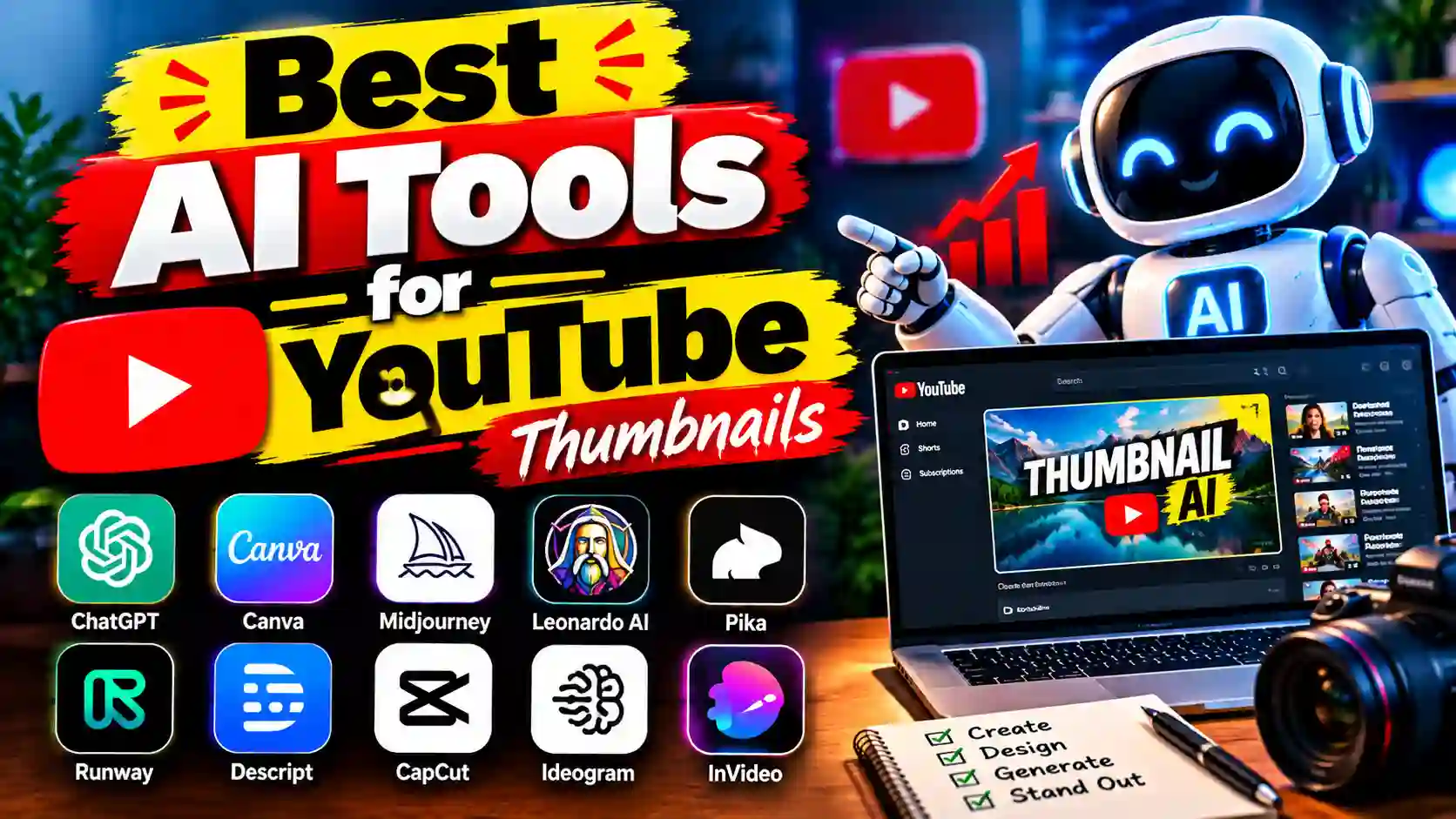
Best AI Tools for YouTube Thumbnails
Your thumbnail works harder than your title does. It’s often the only thing standing between a scroll-past and a click. I tested a handful of these, and the real differences show up in speed and in how “custom” the results actually feel versus how templated they look.
| Tool | Best For | Free Plan? | Starting Price | Standout Feature |
|---|---|---|---|---|
| Canva | Beginners, drag-and-drop design | Yes | $12.99/mo (Pro) | Magic Media AI backgrounds |
| Adobe Firefly | High-end, artistic thumbnails | Limited | $9.99/mo | Generative fill + text effects |
| Fotor | Fast, template-based thumbnails | Yes | $8.99/mo | YouTube-specific templates |
| Vidyo.ai | Thumbnails pulled from real footage | Yes (limited) | $29/mo | Auto frame-extraction from video |
Canva is still where I’d send a total beginner. You don’t need to know a thing about design theory. Its Magic Media feature spits out backgrounds on demand, and for a solo creator working alone at 11 pm, that gets you most of the way there without much effort.
Adobe Firefly takes more patience to learn, but it rewards you for it. Text effects, background extensions, that extra bit of polish — it’s a step up if your thumbnails are starting to look a little too similar to everyone else’s.
Fotor sits in the middle. Fast, decent, doesn’t ask much of you. Its YouTube-sized templates save you the annoying step of resizing everything manually.
Vidyo.ai does something different entirely — instead of building a thumbnail from nothing, it pulls the most compelling frame straight from your video. Works surprisingly well if your audience trusts “real” thumbnails more than obviously staged ones.
My honest take? Start with Canva. Once your upload schedule is consistent and you’ve got a little budget, bring in Firefly for the videos that really need to stand out — a big launch, something you’re running ads behind.
Best AI Tools for YouTube Script Writing
A script is pacing and hooks before it’s anything else. It’s the reason someone stays past the first fifteen seconds instead of clicking away. AI has gotten genuinely good at this — but lean on it too hard, and you’ll notice. Generic AI scripts sound generic. Use them as a first draft, never the final one.
| Tool | Best For | Free Plan? | Starting Price | Standout Feature |
|---|---|---|---|---|
| ChatGPT | Quick drafts, brainstorming | Yes | $20/mo (Plus) | Fast iteration, custom instructions |
| Claude | Long-form, research-heavy scripts | Yes | $20/mo (Pro) | Handles long documents, consistent tone |
| Jasper | Teams with multiple writers | No | $49/mo | Brand-voice training |
| VidIQ Script AI | Keyword-optimized scripts | Yes (limited) | $7.50/mo | Built-in trend and keyword data |
Most people start with ChatGPT, and that makes sense. It’s quick, flexible, and once you feed it a few of your older scripts, it starts sounding less like a template and more like you.
Claude is my go-to for anything research-heavy — documentaries, deep dives, videos where you’re working from a pile of source material. It just holds structure better across longer drafts without losing the thread halfway through.
Jasper only really earns its price once you’re not the only person writing for the channel. If a small team needs to sound consistent, its brand-voice training does what it promises.
VidIQ’s script tool deserves a mention because it’s the only one here pulling live keyword and trend data while you type — handy if your channel leans on search traffic more than loyal subscribers.
One thing I’d tell anyone: draft with ChatGPT or Claude, sure, but rewrite your hook by hand. That first line is where your gut feeling about your own audience beats whatever the model gives you.
Best Free AI Tools for YouTube Video Editing
Editing eats more of your week than anything else on this list. It’s also where the best free AI tools for YouTube have improved the most. “Free editor” used to mean watermarks and half-baked features. Not anymore.
| Tool | Best For | Free Plan? | Paid Tier | Standout Feature |
|---|---|---|---|---|
| CapCut | All-around free editing | Yes | $9.99/mo (Pro) | Auto-captions, silence removal |
| Descript | Talking-head, podcast-style videos | Yes (limited) | $16/mo | Edit video by editing text |
| InVideo | Faceless/explainer channels | Yes (limited) | $20/mo | Script-to-video generation |
| Pictory | Repurposing blogs into video | No | $19/mo | Blog-to-video conversion |
| Kapwing | Browser-based collaborative editing | Yes | $16/mo | Auto-subtitles, smart cut |
CapCut is what I’d hand any new creator without a second thought. It’s free, it’s powerful, and it keeps getting new AI features — auto-reframing for Shorts, background removal, silence cutting, the works.
Descript works on a completely different logic. You edit the transcript, the video follows along. Sounds small until you try it — then going back to a normal timeline feels painfully slow. If you talk to camera for most of your videos, this alone can cut your editing time in half.
InVideo and Pictory both solve a similar problem from opposite directions. Pictory leans toward turning content you already wrote into video. InVideo is more built for starting fresh from a script.
Kapwing is worth knowing about if you’re editing with someone else or just don’t want to install desktop software. It’s not the most powerful pick here, but it’s convenient, and sometimes convenient wins.
CapCut for almost everything, Descript if you’re camera-facing and talk a lot — that combination covers most creators I’ve come across.
Best AI Voice Generator for YouTube Videos
Running a faceless channel? Translating into other languages? Sick of re-recording the same flubbed line for the tenth time? This is the category that quietly saves hours per video.
| Tool | Best For | Free Plan? | Starting Price | Standout Feature |
|---|---|---|---|---|
| ElevenLabs | Most natural-sounding voice | Yes (limited) | $5/mo | Emotional tone control, voice cloning |
| Murf AI | Corporate / tutorial content | Yes (limited) | $19/mo | Built-in video editor |
| Play.ht | Multilingual channels | Yes (limited) | $31/mo | Wide language & accent range |
| Speechify | Shorts, casual explainer content | Yes | $11.58/mo | Simple, fast voiceovers |
ElevenLabs is, in my experience, the closest thing to a real voice actor you’ll find right now. Genuinely hard to spot as AI in a lot of cases. If your channel needs a consistent “host” voice — say, for a faceless format — this is worth paying for.
Murf bundles voice generation with basic editing, which matters if you’d rather juggle fewer tools than more.
Play.ht stands out for multilingual creators specifically. If you’re localizing for different regions, its accent and language range beats everything else here.
Speechify is the no-fuss, budget pick. Fine for Shorts or quick explainer clips where voice nuance isn’t the main event.
Quality non-negotiable? ElevenLabs. Just starting and watching your budget? Speechify does the job.
AI Tools for YouTube SEO and Tags
None of the above counts for much if nobody finds your video. SEO tools handle the least glamorous work here — and arguably the most important.
| Tool | Best For | Free Plan? | Starting Price | Standout Feature |
|---|---|---|---|---|
| VidIQ | Data-driven optimization | Yes (limited) | $7.50/mo | Keyword scoring, competitor analysis |
| TubeBuddy | All-in-one YouTube Studio integration | Yes (limited) | $7.50/mo | Tag generation, A/B thumbnail testing |
| Semrush | Broader content marketing strategy | No | $139.95/mo | YouTube + full SEO keyword research |
| Keyword Tool | Fast, free tag brainstorming | Yes (limited) | $89/mo (Pro) | Pulls YouTube autocomplete data |
VidIQ and TubeBuddy overlap more than either company would probably like to admit. Either is a solid starting point — keyword scoring, tag suggestions, analytics, all built right into YouTube Studio.
Semrush is overkill if YouTube is genuinely your only platform. But if you’re also running a blog or a website next to your channel, it ties everything together, and that’s worth the higher price for some creators.
Keyword Tool is the fast, no-commitment option — a quick gut-check on whether a topic has real search demand before you spend a full day filming it.
Worth mentioning here: AI search engines like ChatGPT and Google’s AI Overviews are increasingly answering questions directly instead of just linking out. That means structuring your titles, descriptions, and even transcripts to answer specific questions clearly is becoming its own skill — often called Answer Engine Optimization, or AEO. It’s catching up to traditional SEO fast, and creators who ignore it now might regret it in a year.
Best AI Tools for YouTube Shorts (2026)
Shorts are the cheapest way to get in front of people who’ve never heard of your channel. The tools built for this exist to solve one problem: turning one long video into several short ones without you sitting through hours of raw footage.
| Tool | Best For | Free Plan? | Starting Price | Standout Feature |
|---|---|---|---|---|
| Opus Clip | Repurposing podcasts/long videos | Yes (limited) | $9.99/mo | Auto-highlight detection + virality score |
| CapCut | Creating Shorts from scratch (mobile) | Yes | $9.99/mo (Pro) | Trending templates, quick vertical editing |
| Vizard | Multilingual Shorts repurposing | Yes (limited) | $18.65/mo | Multi-language captions |
| Klap | High-volume posting schedules | Yes (limited) | $29/mo | Fast turnaround, virality scoring |
Opus Clip is the name most creators bring up first, and it earns that. Feed it a long video, and it finds the moments most likely to work standalone, with captions already burned in.
CapCut shows up here too, because its mobile app is genuinely made for Shorts — templates, trends, fast exports, no desktop required.
Vizard is the pick if your audience speaks more than one language. Its caption and translation handling is a notch above everyone else on this list.
Klap leans hardest into speed. If you’re posting several Shorts a day, it’s built for exactly that pace.
Already making long-form videos? Opus Clip pays for itself fast — one video, five or ten Shorts, barely any extra work. Starting Shorts-first instead? CapCut is still the quickest way in.
How to Actually Choose Without Trying Everything
You don’t need every tool on this page. Most channels doing well run a lean setup, usually four tools total: one for scripting (ChatGPT or Claude), one for editing (CapCut or Descript), one for voice if you’re faceless or multilingual (ElevenLabs or Speechify), and one for SEO (VidIQ or TubeBuddy).
Start free wherever you can. Then upgrade whichever one is actually your bottleneck — not all of them at once. Editing eating your weekends? Fix that first. Nobody finding your videos? Put your money into SEO instead.
Frequently Asked Questions
Every week, someone in a YouTube creator group asks a version of the same question: “Is it okay if I use Google AI tools for this?” Fair question. The rules around AI on YouTube aren’t always obvious, and half the “guides” online just repeat marketing copy from the tools themselves.
So here’s a plain answer to the twenty questions that come up most — grouped by what you’re actually trying to do, not just dumped in a random list.
Thumbnails, Scripts & Editing: The Basics Everyone Asks First
These three questions show up in almost every “getting started” search, and they’re usually the first thing a new creator wants sorted out.
| Question | Short Answer |
|---|---|
| Best AI tools for YouTube thumbnails? | Canva — AI backgrounds, pre-sized templates, zero design skill required |
| Best AI tools for YouTube scripts? | ChatGPT for quick drafts, Claude for longer research-based scripts |
| Free AI video editor that’s actually free? | CapCut — auto-captions, silence removal, auto-reframing, no watermark |
Is Canva really enough for thumbnails, or do I need something fancier?
For most channels, yes, it’s enough. Its Magic Media feature generates backgrounds on demand, which covers a solo creator’s needs without touching Photoshop. You only outgrow it once your thumbnails start looking a little too similar to everyone else’s in your niche — that’s when tools like Adobe Firefly start making sense.
Why does everyone recommend ChatGPT for scripts specifically?
Mostly speed. Feed it a few of your older scripts, and it starts sounding less like a template, more like you. Claude tends to win out for anything research-heavy — documentaries, deep dives, videos built on a pile of source material — because it holds structure better across longer drafts.
Does CapCut’s free version actually cover what I need, or is it a trap to upsell?
It genuinely covers the basics well: captions, silence cuts, reframing for Shorts. You’ll want the paid tier eventually for more export options and removed watermarks on certain features, but the free version isn’t a stripped-down demo — it’s a real editor.
Voice, SEO & Shorts: Where Most Time Actually Gets Saved
Once the basics are sorted, this is where creators start asking sharper, more specific questions — usually once they’ve hit a real bottleneck.
| Question | Short Answer |
|---|---|
| Most realistic AI voice generator? | ElevenLabs — strong tone control, hard to tell apart from a real voice |
| How does AI actually help YouTube SEO? | Keyword scoring and tag suggestions from tools like VidIQ, TubeBuddy |
| Best AI tools for YouTube Shorts? | Opus Clip and Vizard for repurposing, CapCut for building from scratch |
Is ElevenLabs worth paying for, or is a free voice tool good enough?
Depends on what you’re building. If your channel needs a consistent “host” voice — a recurring narrator for faceless content — ElevenLabs earns its subscription. For quick Shorts or casual explainer clips where nuance matters less, something like Speechify’s free tier does the job fine.
What does “AI helping with SEO” actually mean in practice?
It’s not magic — it’s data. VidIQ and TubeBuddy pull keyword competition data and suggest which titles, tags, and descriptions are more likely to surface in search. Think of it as a shortcut past hours of manual guesswork, not a replacement for understanding your own audience.
Should I be using the Best AI tools for YouTube to make Shorts, or is manual editing fine?
If you already publish long-form videos, Opus Clip turns one video into five or ten Shorts automatically — that’s hours saved, not just convenience. If you’re building Shorts from scratch, CapCut’s mobile app is fast enough that a dedicated repurposing tool isn’t necessary yet.
The Legal & Policy Questions Nobody Explains Clearly
This is where most confusion comes from, mainly because YouTube’s own policy language is vague and creators end up guessing.
Can YouTube detect AI-generated content?
Yes, to an extent. YouTube can flag synthetic voices and faces, and it requires disclosure for realistic AI-generated content under its altered-content policy. It doesn’t currently penalize AI-assisted scripts or editing on their own — using ChatGPT to draft a script isn’t something you need to disclose.
Will using AI tools get my channel demonetized?
Generally, no — as long as the content is original and follows Community Guidelines. Where creators actually run into trouble is mass-produced, repetitive, “spammy” content, which falls under YouTube’s reused-content policy regardless of whether AI was involved.
Is it even legal to use an AI voice generator?
Yes, with one condition: don’t clone a real, identifiable person’s voice without their consent. Most reputable platforms, including ElevenLabs, require you to confirm you have rights over any voice you clone.
Am I breaking any rules by not showing my face?
Not at all. Faceless channels are a legitimate, common format — AI voiceovers paired with stock footage or AI-generated visuals through tools like InVideo or Pictory power a huge chunk of YouTube already.
Is using AI tools considered “cheating” somehow?
No. YouTube doesn’t prohibit AI use for scripting, editing, or voiceovers. The actual requirement is disclosure specifically for realistic synthetic media — AI-generated faces or cloned voices — not AI assistance in general.
Cost, Workflow & the “What Should I Actually Buy” Question
This is the practical question behind most of the others: how much does this cost, and where should the money actually go first?
| Task | Free Option | Paid Option (If You Scale Up) |
|---|---|---|
| Scripts | ChatGPT (free tier) | Claude Pro ($20/mo) |
| Editing | CapCut (free) | Descript ($16/mo) |
| Thumbnails | Canva (free) | Adobe Firefly ($9.99/mo) |
| SEO | TubeBuddy (free tier) | VidIQ Boost ($7.50/mo) |
| Voice | Speechify (free tier) | ElevenLabs ($5/mo+) |
What’s the cheapest way to start, realistically?
ChatGPT for scripts, CapCut for editing, Canva for thumbnails, TubeBuddy for SEO — all free tiers. That’s a fully functional zero-cost stack. You don’t need to spend a rupee until one specific task becomes an actual bottleneck.
Can AI write an entire video for me — script, voice, everything?
Technically, yes. Practically, it usually shows. Fully automated videos tend to underperform compared to ones where a human edited the hook, checked the pacing, and added something the AI couldn’t invent on its own — a genuine point of view.
Do auto-generated captions hurt my SEO?
No, the opposite. Accurate captions actually help, since YouTube indexes that transcript text for search. Just proofread them — auto-captions still misfire on names, brands, and technical terms often enough to matter.
Can AI actually help me find video ideas, or is that overselling it?
It helps more than people expect. Best AI tools for YouTube like VidIQ and TubeBuddy surface trending keywords and topic gaps based on real search data — which beats guessing, even if it’s not a replacement for knowing your audience.
What’s this “AEO” thing I keep seeing mentioned?
Answer Engine Optimization — structuring your titles, descriptions, and transcripts so they directly answer specific questions. AI search tools like ChatGPT and Google’s AI Overviews increasingly pull answers straight from well-structured content instead of just linking out. It’s becoming as important as traditional SEO, and most creators haven’t caught up to it yet.
Final Thoughts
None of these Best AI tools for YouTube make the creative calls for you. That’s kind of the point. The channels doing well right now aren’t running every tool on this list — they figured out which single bottleneck was actually holding them back, fixed just that, and spent the time they got back on the one thing no AI model fakes convincingly: an actual point of view, told in their own voice.
About Author
Rajendra Parmar is the Founder and Editor of AmezTrix, where he covers Artificial Intelligence, Technology, WordPress, Web Hosting, Digital Marketing, Gadgets, and Software. His mission is to simplify complex technology through practical tutorials, honest reviews, and well-researched guides that help readers make smarter digital decisions.