Discover the top 25 best AI tools for students in 2026. Boost writing, research, coding, note-taking & exam prep with smart AI. Study score higher!
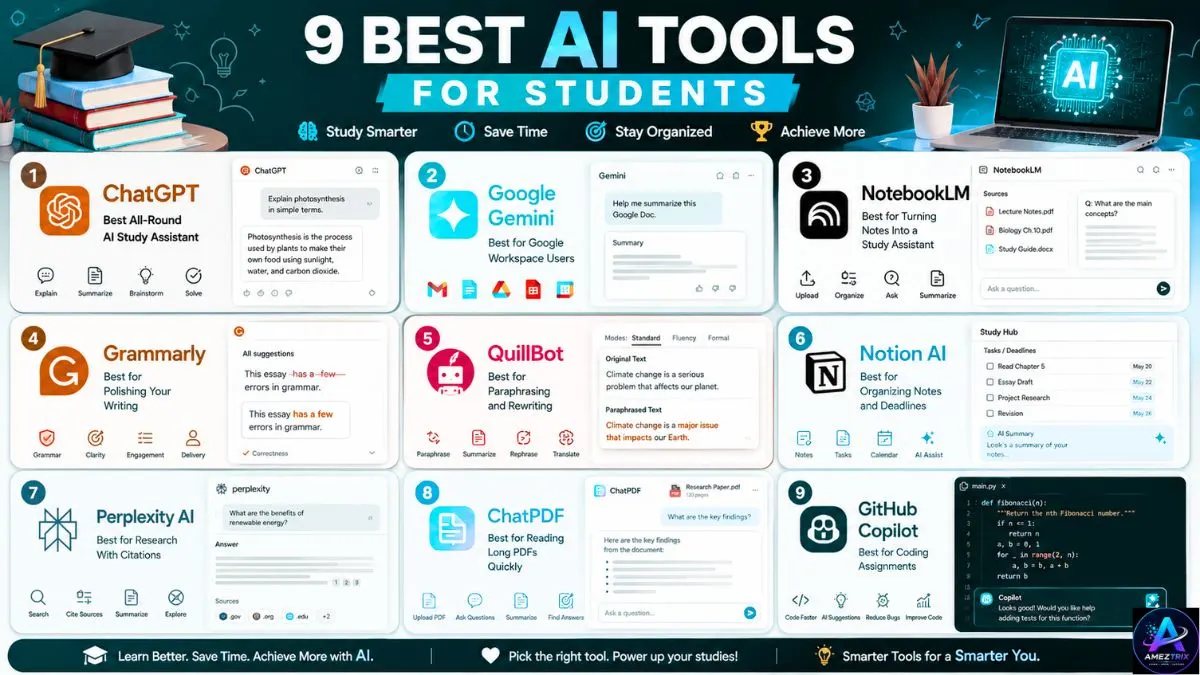
Top 25 Best AI Tools for Students
Let’s be honest — being a student in 2026 is a juggling act. Between back-to-back lectures, group projects, part-time jobs, and the eternal battle against procrastination, finding extra hours in the day feels impossible. That’s exactly where artificial intelligence has quietly become every student’s secret weapon.
AI tools aren’t here to write your essays for you or do your thinking (please don’t let them). Used the right way, they’re more like a tireless study partner one that can summarize a 40-page PDF in seconds, turn messy lecture notes into flashcards, catch grammar mistakes you’d never spot yourself, or explain a confusing calculus concept for the fifth time without ever losing patience.
[Read more about Top 10 Best Web Hosting Providers in 2026 | Expert Review]
We’ve tested, compared, and shortlisted the top 25 best AI tools for students this year, covering everything from writing and research to coding, productivity, and exam prep. Whether you’re in high school, college, or grad school, there’s something on this list that will make your workload feel a lot more manageable.
Quick Comparison: Best AI Tools for Students at a Glance
Short on time? Here’s the full list in one place before we break each tool down in detail.
| Tool | Best For | Category | Pricing | |
|---|---|---|---|---|
| 1 | ChatGPT | Concept explanations & brainstorming | General AI Assistant | Free / Paid |
| 2 | Google Gemini | Google Workspace integration | General AI Assistant | Free / Paid |
| 3 | NotebookLM | Turning notes into a study assistant | Research & Study | Free |
| 4 | Grammarly | Proofreading essays & emails | Writing | Free / Paid |
| 5 | QuillBot | Paraphrasing & rewriting | Writing | Free / Paid |
| 6 | Notion AI | Organizing notes & deadlines | Productivity | Free / Paid |
| 7 | Perplexity AI | Research with citations | Research | Free / Paid |
| 8 | ChatPDF | Reading long PDFs quickly | Research | Free / Paid |
| 9 | Quizlet | Flashcards & practice tests | Study & Memorization | Free / Paid |
| 10 | GitHub Copilot | Coding assignments | Coding | Free for students |
| 11 | Canva AI (Magic Studio) | Presentations & visual projects | Design | Free / Paid |
| 12 | Gamma AI | Instant presentation decks | Design | Free / Paid |
| 13 | Otter.ai | Recording & transcribing lectures | Productivity | Free / Paid |
| 14 | Wolfram Alpha | Math & science problem-solving | STEM | Free / Paid |
| 15 | Socratic by Google | Quick homework explanations | STEM / School | Free |
| 16 | Elicit | Literature reviews | Research | Free / Paid |
| 17 | Consensus | Evidence-based research | Research | Free / Paid |
| 18 | Speechify | Text-to-speech reading | Accessibility | Free / Paid |
| 19 | Khanmigo | Personalized AI tutoring | Tutoring | Free / Paid |
| 20 | Turnitin AI Detection | Academic integrity checks | Integrity | Institution-provided |
| 21 | Descript | Video & podcast editing | Multimedia | Free / Paid |
| 22 | Fireflies.ai | Group project meeting notes | Productivity | Free / Paid |
| 23 | Litmaps | Visualizing research connections | Research | Free / Paid |
| 24 | Duolingo Max | AI-powered language learning | Language Learning | Free / Paid |
| 25 | Motion | Automated time management | Productivity | Paid (free trial) |
How We Picked These Tools
Before diving in, here’s what we looked for while building this list:

- Ease of use – A tool is only useful if you’ll actually open it between classes.
- Free or student-friendly pricing – Because textbooks are expensive enough already.
- Accuracy and reliability – Especially important for research and citation tools.
- Real academic value – Tools that genuinely help you learn, not just shortcuts that skip the learning.
Now, let’s get into the list.
1. ChatGPT — Best All-Round AI Study Assistant
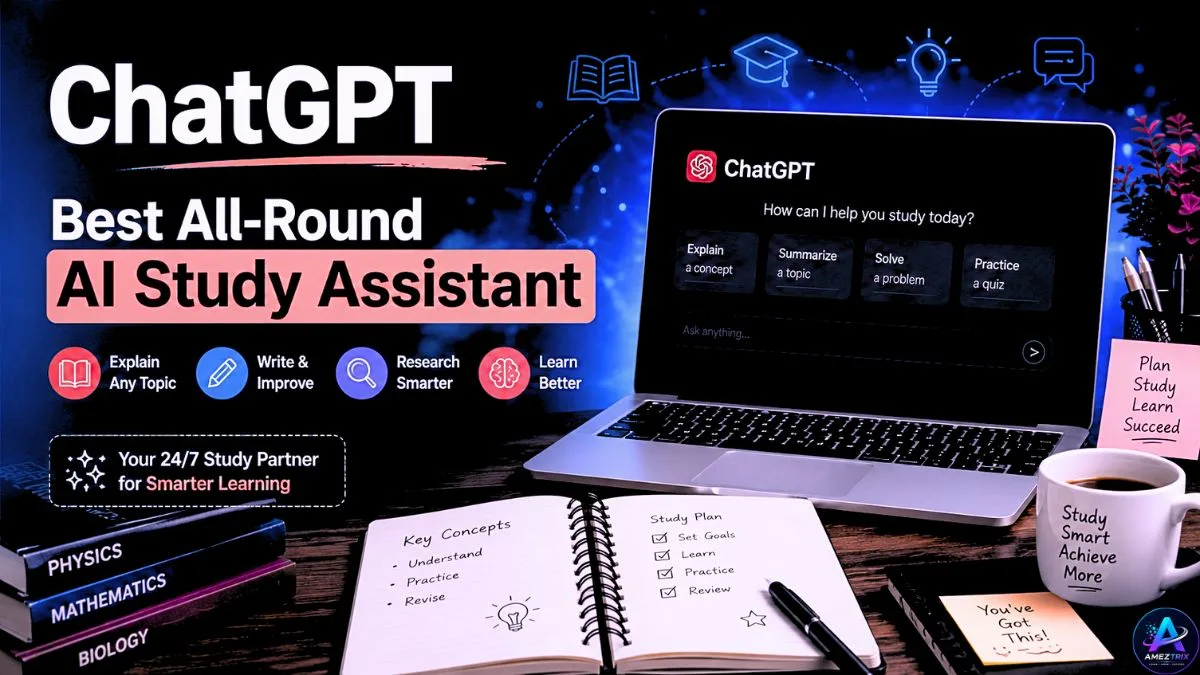
ChatGPT remains the most widely used AI tool among students, and for good reason. It can explain complicated theories in plain language, brainstorm essay topics, help debug code, and even quiz you before an exam.
Best for: Concept explanations, brainstorming, and general homework help
Pricing: Free tier available; paid plans unlock more advanced reasoning and higher usage limits
2. Google Gemini — Best for Google Workspace Users
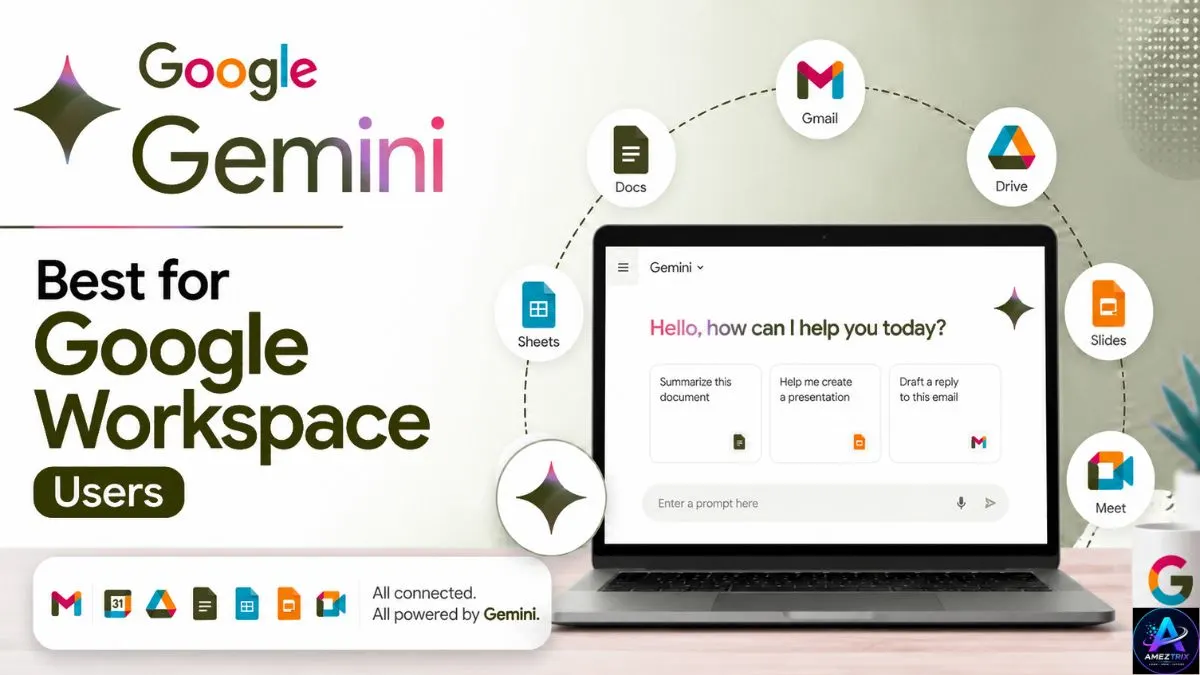
If your college runs on Google Docs, Sheets, and Slides, Gemini fits right into your existing workflow. It can summarize long documents, draft outlines directly inside Docs, and pull information from your Gmail or Drive when needed.
Best for: Students already using Google Workspace for assignments
Pricing: Free with a Google account; premium features included in paid Google plans
3. NotebookLM — Best for Turning Notes Into a Study Assistant
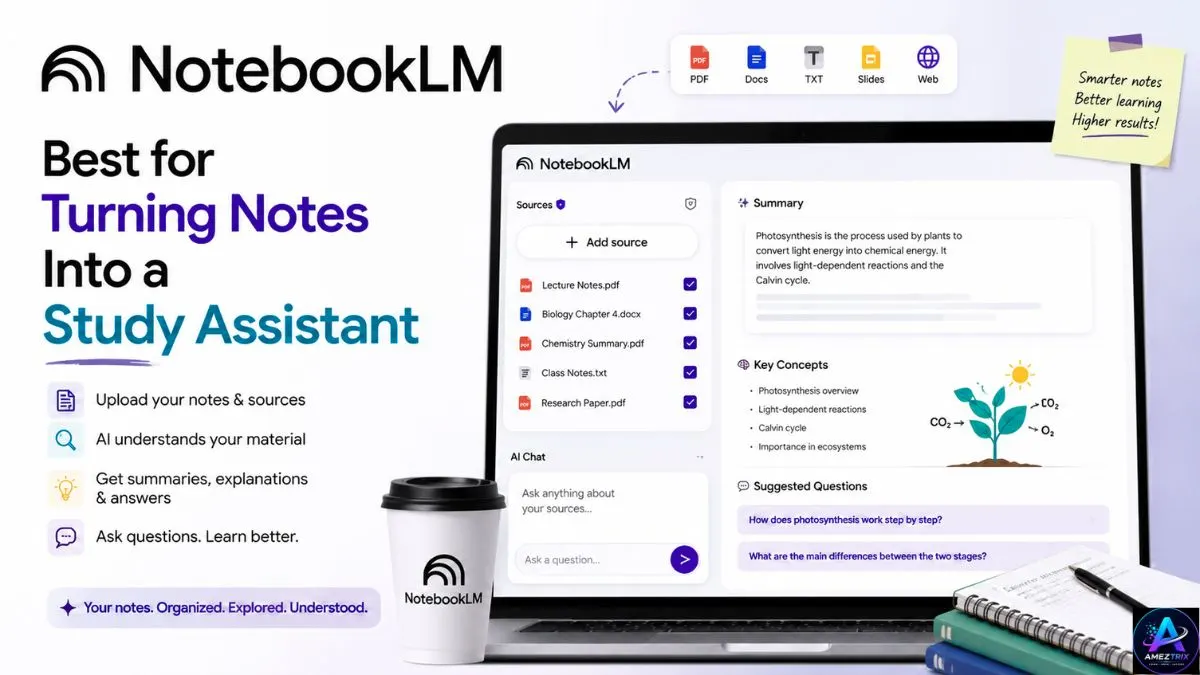
NotebookLM lets you upload your lecture slides, textbook PDFs, and research papers, then ask it direct questions like “Summarize Chapter 4” or “Explain this theory in simple terms.” Unlike a generic chatbot, it only answers from the sources you give it, which makes it far more reliable for revision.
Best for: Converting your own class materials into an interactive study guide
Pricing: Free
4. Grammarly — Best for Polishing Your Writing
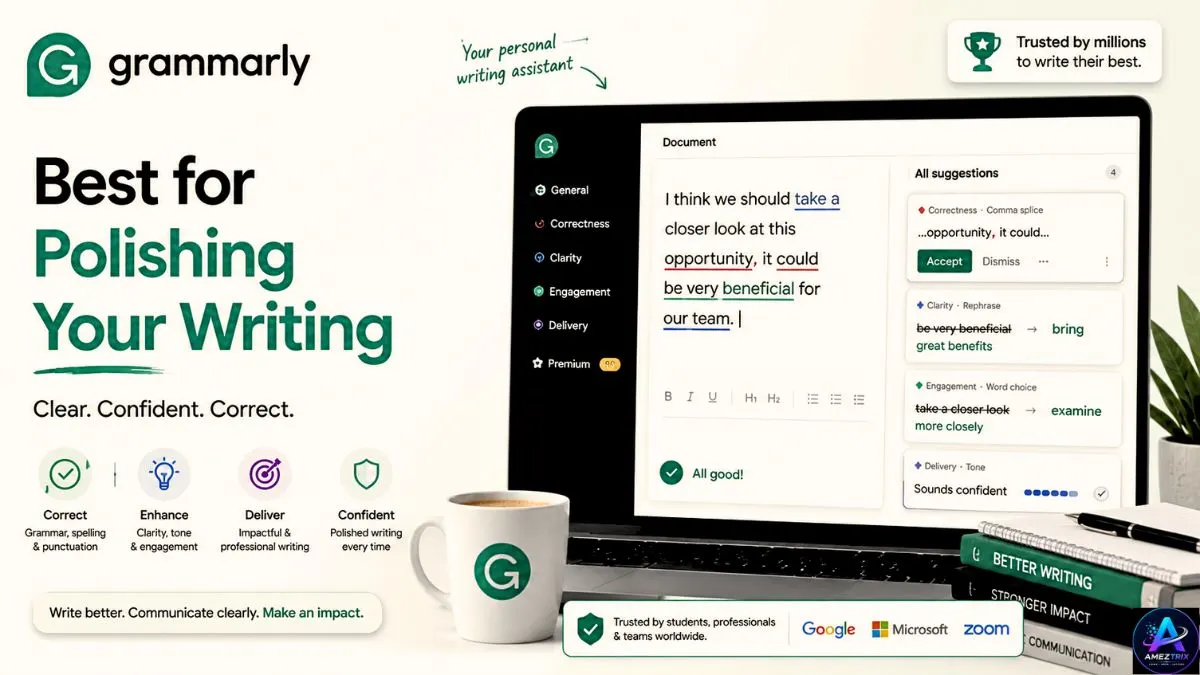
Grammarly checks grammar, punctuation, tone, and clarity in real time as you type — whether that’s an essay, a discussion post, or an email to a professor. Its AI writing assistant can also suggest rewrites for wordy or unclear sentences.
[Rad more about Google Gemini vs ChatGPT vs Claude: Best AI Compared in 2026 | Expert Review]
Best for: Proofreading essays, reports, and emails
Pricing: Free version available; premium plans offer deeper tone and clarity suggestions
5. QuillBot — Best for Paraphrasing and Rewriting
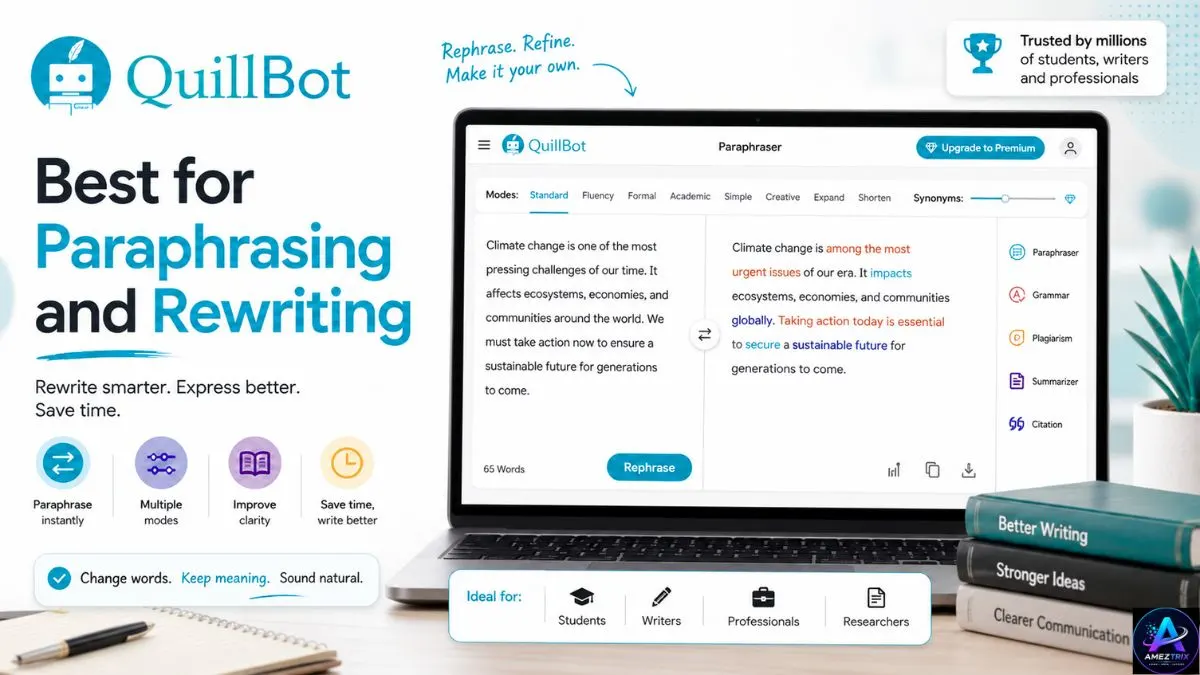
QuillBot helps you rephrase sentences in different tones and styles, which is handy when you’re stuck rewording a clunky paragraph. Use it to explore how an idea can be expressed differently, not to replace your own writing voice entirely.
Best for: Paraphrasing, summarizing, and improving sentence flow
Pricing: Free version available; discounted student plans offered
6. Notion AI — Best for Organizing Notes and Deadlines
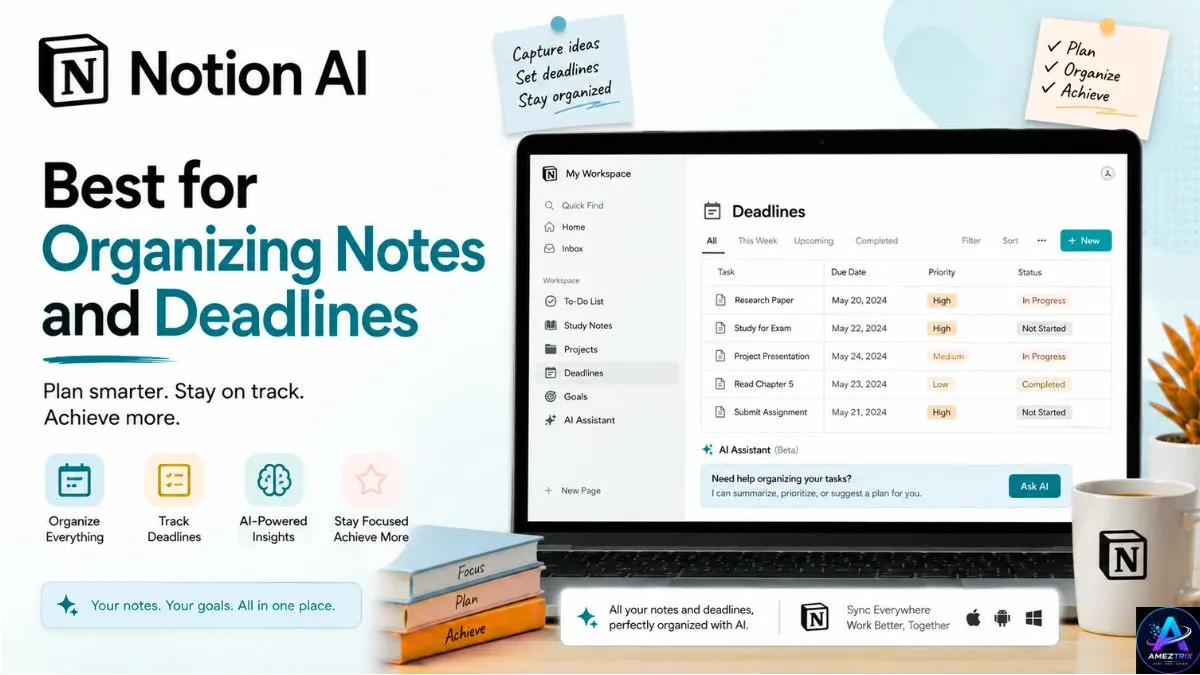
Notion AI is built into Notion’s note-taking and project management workspace, making it a favorite for students juggling multiple subjects. It can summarize meeting notes, generate study plans, and even draft outlines for assignments.
Best for: Organizing coursework, notes, and deadlines in one place
Pricing: Free for students with a valid academic email; paid plans for advanced features
7. Perplexity AI — Best for Research With Citations
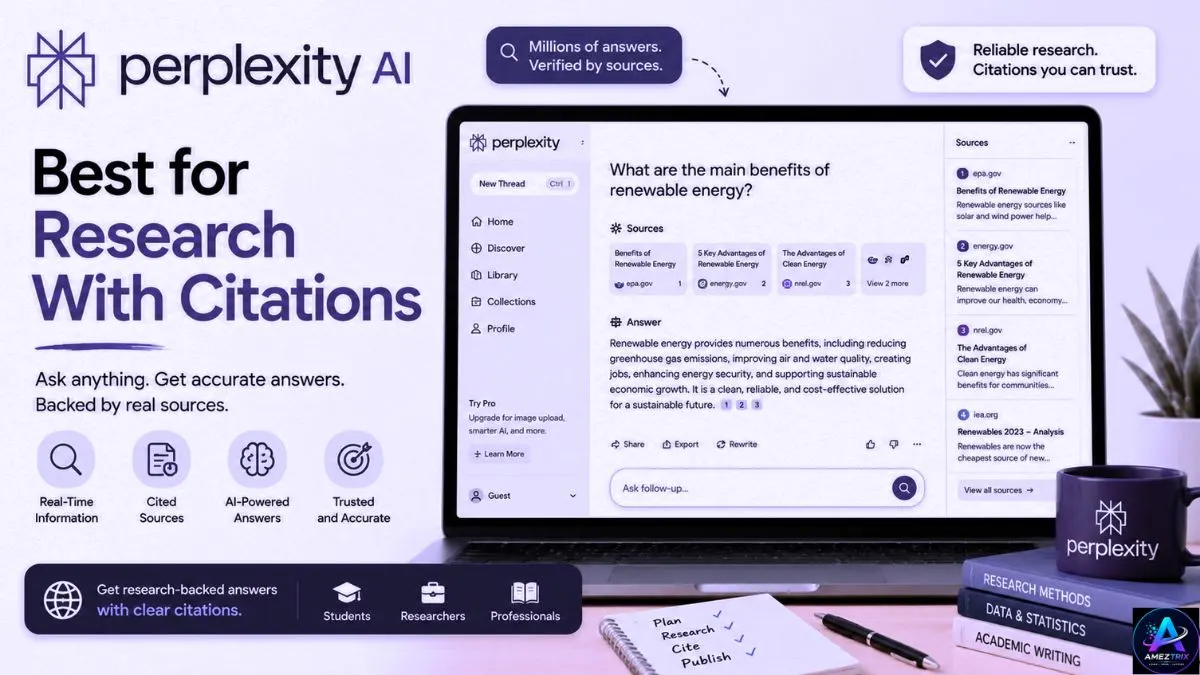
Unlike a typical search engine, Perplexity answers your questions directly and shows the sources behind every claim. That makes it especially useful for research papers, where you need to trace information back to a credible source.
Best for: Fast, citation-backed academic research
Pricing: Free tier available; Pro plan unlocks deeper research capabilities
8. ChatPDF — Best for Reading Long PDFs Quickly
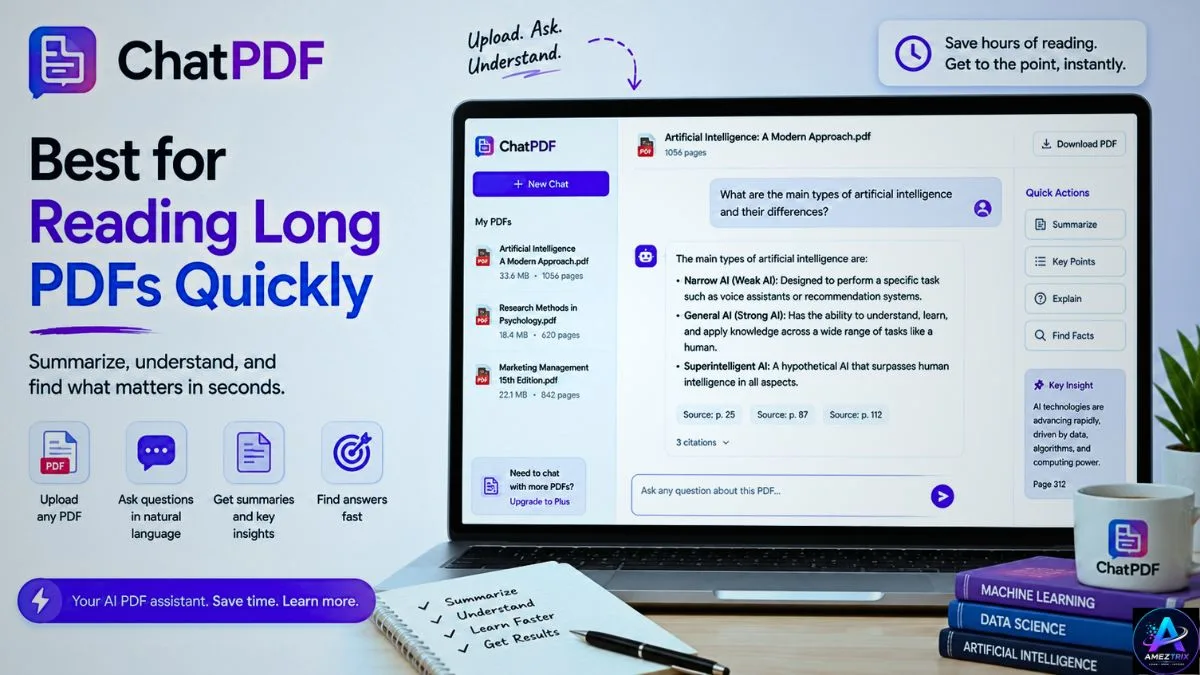
Upload any PDF — a textbook chapter, a journal article, a syllabus — and ChatPDF lets you ask it questions instead of reading the whole thing cover to cover. It’s a lifesaver during exam season when you have too many readings and too little time.
Best for: Quickly digesting long academic PDFs
Pricing: Free with limited daily uploads; paid plan for unlimited use
9. Quizlet — Best for Flashcards and Practice Tests
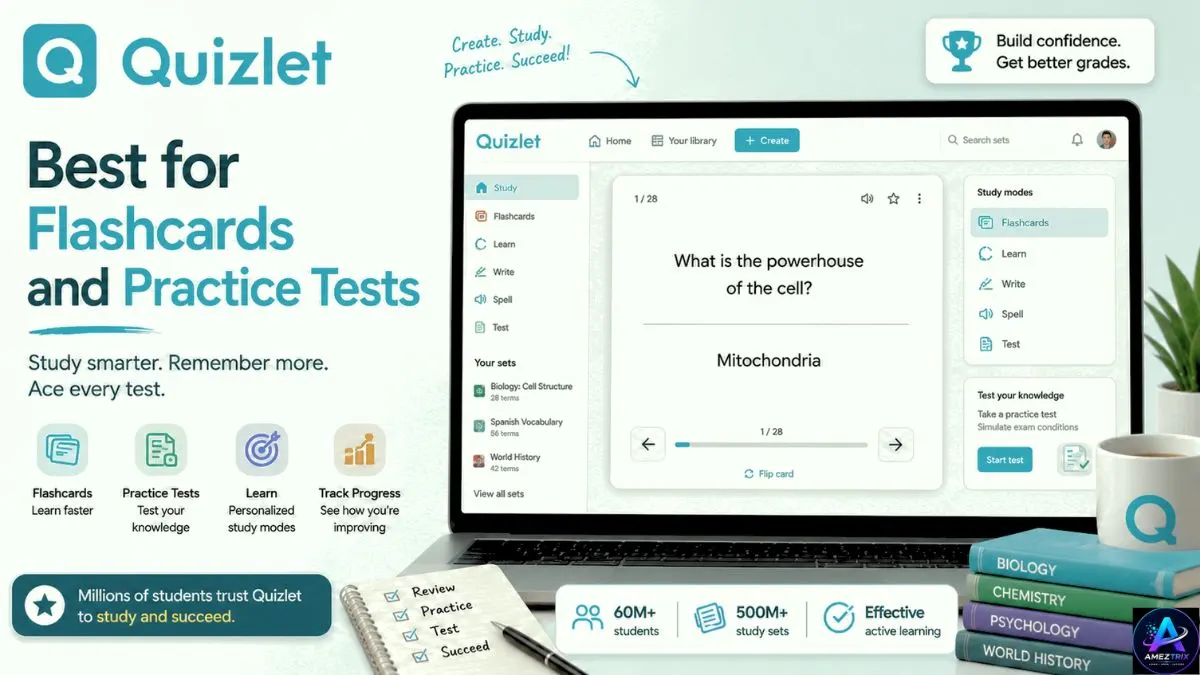
Quizlet’s AI features can automatically generate flashcards and practice quizzes from your notes or textbook content, then adapt future study sessions based on which topics you’re struggling with.
Best for: Memorization, flashcards, and self-testing
Pricing: Free version available; Plus plan adds AI-powered study tools
10. GitHub Copilot — Best for Coding Assignments
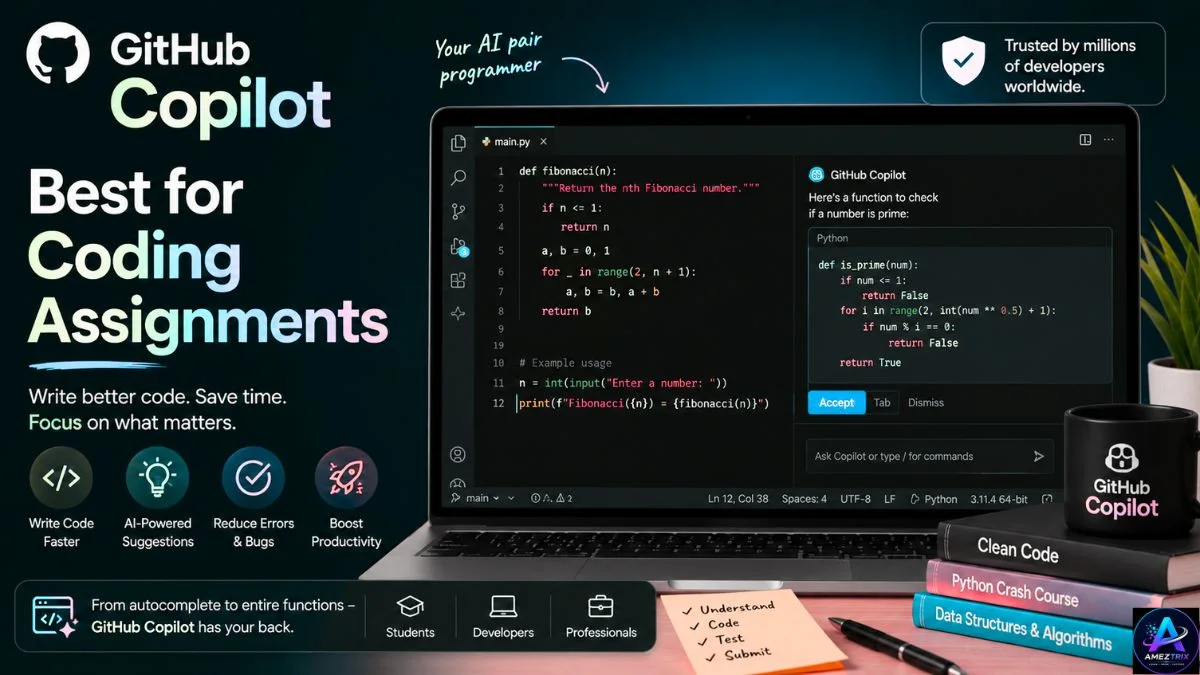
For computer science and engineering students, GitHub Copilot suggests code completions, explains functions, and helps debug errors directly inside your code editor. It won’t write your entire project for you, but it dramatically speeds up the repetitive parts of coding.
Best for: Programming students learning to code faster
Pricing: Free for verified students through the GitHub Student Developer Pack
11. Canva AI (Magic Studio) — Best Ai Tools for Presentations and Visual Projects
Canva’s AI-powered Magic Studio tools can generate slide designs, resize graphics, remove image backgrounds, and even write presentation copy — all without needing any design background.
Best for: Presentations, posters, and visual class projects
Pricing: Free version available; Canva Pro offers a student discount
12. Gamma AI — Best for Instant Presentation Decks
Type in a topic or paste your notes, and Gamma builds a full, professionally designed slide deck in minutes. It’s especially useful the night before a presentation when design is the last thing you have energy for.
Best for: Building presentations quickly from raw notes
Pricing: Free tier with limited credits; paid plans for unlimited decks
13. Otter.ai — Best for Recording and Transcribing Lectures
Otter.ai records lectures and automatically transcribes them in real time, so you can focus on listening instead of frantically writing everything down. It also generates summaries and highlights key points afterward.
Best for: Transcribing lectures and meetings
Pricing: Free tier available; paid plans for longer recordings
14. Wolfram Alpha — Best Ai Tools for Math and Science Problem-Solving
Wolfram Alpha doesn’t just give you an answer to a math or physics problem — it shows the step-by-step working, which makes it genuinely useful for actually understanding the process rather than just copying a result.
Best for: Step-by-step math, physics, and engineering problem solving
Pricing: Free basic access; Pro plan for detailed step-by-step solutions
15. Socratic by Google — Best for Quick Homework Explanations
Aimed more at school-age students, Socratic uses your phone’s camera to scan a homework question and returns simplified explanations, videos, and resources on the topic.
Best for: School students needing quick, visual explanations
Pricing: Free
16. Elicit — Best for Literature Reviews
Elicit is built specifically for academic research. Give it a research question, and it searches through millions of papers to summarize findings, extract key data, and help you build a literature review far faster than manual searching.
Best for: College and graduate-level research papers
Pricing: Free tier available; paid plans for heavier research use
17. Consensus — Best for Evidence-Based Research
Consensus searches published, peer-reviewed research and gives you a straightforward summary of what the scientific consensus actually says on a topic — extremely useful when you need credible sources fast.
Best for: Finding peer-reviewed evidence for essays and papers Pricing: Free tier available; premium plan for advanced filters
18. Speechify — Best Text-to-Speech Tool
Speechify converts textbooks, PDFs, and articles into natural-sounding audio, so you can “read” your assignments while commuting, working out, or doing chores. It’s also a strong accessibility tool for students with dyslexia or reading difficulties.
Best for: Listening to readings on the go
Pricing: Free version available; premium plan for natural voice options
19. Khanmigo — Best AI Tutor for Personalized Learning
Built by Khan Academy, Khanmigo acts as a personal tutor that guides you toward the answer through questions rather than simply handing over solutions — closer to how an actual tutor would teach you.
Best for: Guided, tutor-style learning across subjects
Pricing: Free for many students through school partnerships; paid individual plans available
20. Turnitin AI Detection & Feedback — Best for Academic Integrity Checks
Many universities now use Turnitin not just for plagiarism checks but for AI-content detection too. As a student, running your own draft through a similarity checker before submission can help you catch accidental citation issues early.
Best for: Checking originality before submission
Pricing: Typically provided through your institution
21. Descript — Best for Video and Podcast Projects
For media, communications, or journalism students, Descript lets you edit video and audio simply by editing a text transcript — no timeline scrubbing required. It also includes AI voice cleanup and filler-word removal.
Best for: Video/podcast assignments and multimedia projects
Pricing: Free tier available; paid plans for longer projects
22. Fireflies.ai — Best for Group Project Meeting Notes
Fireflies.ai joins your video calls, transcribes the discussion, and generates a summary with action items afterward — perfect for group projects where someone always forgets who was assigned what.
Best for: Recording and summarizing group project meetings
Pricing: Free tier available; paid plans for extended storage
23. Litmaps — Best for Visualizing Research Connections
Litmaps creates a visual map of how academic papers connect and cite one another, helping you discover related research and understand how a field has developed over time.
Best for: Thesis and dissertation research
Pricing: Free tier available; paid plans for larger research maps
24. Duolingo Max — Best AI-Powered Language Learning
Duolingo’s AI-enhanced tier adds features like “Explain My Answer,” which breaks down exactly why a translation is right or wrong, and roleplay conversations for practicing real-world dialogue.
Best for: Language learning alongside coursework
Pricing: Free version available; Max tier is a paid upgrade
25. Motion — Best AI Tool for Time Management
Motion uses AI to automatically build your daily schedule around deadlines, classes, and study sessions, then adjusts the plan in real time when something runs long or a new task gets added.
Best for: Automated time-blocking and deadline management
Pricing: Paid only, with a free trial
How to Use AI Tools Without Losing the Learning
It’s worth pausing on this, because it’s easy to lean on AI a little too much. A few ground rules worth following:
- Use AI to understand, not to skip understanding. Ask it to explain a concept rather than just give you the final answer.
- Always fact-check research output. AI tools can occasionally get details wrong or misattribute a source, so cross-check anything you plan to cite.
- Check your institution’s AI policy. Rules vary widely between schools and even between individual professors, so it’s worth confirming what’s actually allowed for a given assignment.
- Keep your own voice in your writing. Tools like Grammarly and QuillBot work best as editors of your ideas, not replacements for them.
- Mix and match tools. No single app does everything well — combining a research tool, a writing tool, and an organization tool usually works better than trying to find one app that does it all.
Frequently Asked Questions
Are AI tools for students free?
Many of the tools on this list offer solid free plans, including ChatGPT, Gemini, NotebookLM, Grammarly, and Quizlet. Paid tiers usually unlock higher usage limits or more advanced features.
Is it okay to use AI tools for assignments?
It depends entirely on your school and course policy. Some institutions allow AI as a study aid but prohibit it for graded writing; others are stricter. Always check with your professor before using AI on a specific assignment.
Which AI tool is best for essay writing?
Grammarly and QuillBot are best used for polishing and refining an essay you’ve already written, while ChatGPT and Gemini are better suited to brainstorming and outlining before you start writing.
Can AI tools replace textbooks?
No. AI tools work best as a supplement to your actual coursework — summarizing, explaining, and organizing what you’re learning — not as a replacement for reading and understanding the material yourself.
What’s the best free AI tool for research papers?
Perplexity AI and Elicit are two of the strongest free options for research, since both provide sources and citations alongside their answers.
Final Verdict
AI isn’t going to write your degree for you, and honestly, that’s a good thing the learning still has to happen. But used thoughtfully, these top 25 best AI tools for students can take a huge amount of the busywork off your plate: the formatting, the summarizing, the note-organizing, the tedious first drafts. That’s time you get back for actual studying, sleeping, or having a life outside your laptop.
Start with two or three tools that fit your specific workload maybe a writing assistant, a research tool, and something for organization — and build from there. You don’t need all 25. You just need the right ones for how you actually study.
About Author
Rajendra Parmar is the Founder and Editor of AmezTrix, where he covers Artificial Intelligence, Technology, WordPress, Web Hosting, Digital Marketing, Gadgets, and Software. His mission is to simplify complex technology through practical tutorials, honest reviews, and well-researched guides that help readers make smarter digital decisions.