Best AI Tools for Content Creators in 2026 (Free & Paid, Ranked and Compared)
Quick answer: The Best AI Tools for Content Creators are ChatGPT for writing and research, Runway for video editing, Canva AI and Adobe Firefly for design, and ElevenLabs for voiceovers. Together they cover the full content pipeline — from first draft to final export — for less than the cost of hiring a single freelancer.
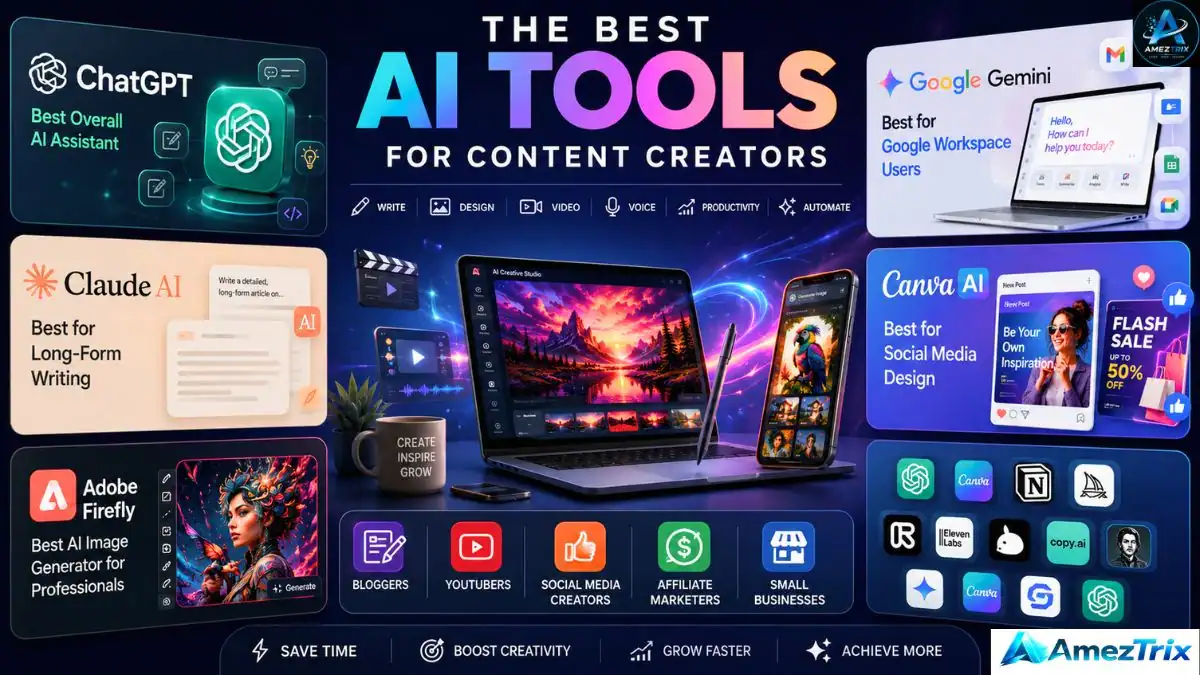
Publishing consistently in 2026 has stopped being about having one good idea a week. It now means shipping that idea as a script, a thumbnail, an edited clip, and a voiceover — often on the same day, and often alone.
AI has quietly filled that gap. It doesn’t replace a creator’s judgment, but it does the work an entire junior team used to handle: first drafts, rough cuts, background removal, and studio-quality narration, all without a single extra hire. Below is a hands-on, tested comparison of the best AI tools shaping how content actually gets made this year.
We used, compared, and ranked the 15 tools below on real output — not marketing pages — so you can build a stack that matches your workflow instead of draining your budget on apps you’ll open twice.
Why Every Creator Needs an AI Stack Now
A single published piece of content usually requires all of the following:
- Topic and keyword research
- Script or outline writing
- Thumbnail or cover image design
- Video editing and caption timing
- Voiceover recording
- Cross-platform scheduling
- On-page SEO optimization
- Performance review
Done manually, that list can take 8–12 hours per piece. A well-chosen AI stack doesn’t remove your voice from the process — it removes the repetitive, technical steps so you’re left doing the part only you can do: strategy, storytelling, and judgment.
[See also: Top 10 Best Web Hosting Providers for 2026.]
What AI Actually Saves Creators
- Several hours of production time per project
- A steady supply of fresh angles and topics
- Faster photo and video editing, with less manual effort
- Stronger on-page SEO signals
- A working fix for writer’s block
- Multilingual output without hiring translators
- Solo output that competes with a small studio
How We Scored These 15 Tools
Each tool was tested and scored against seven factors that matter to a working creator, not a marketing page:
- Ease of Use — can a first-time user get real value in one session
- Output Quality — accurate, polished, publish-ready results
- Pricing — genuine value across free and paid tiers
- Feature Depth — how much of your workflow it can realistically replace
- Speed — turnaround against a real publishing deadline
- Reputation — active updates and a trustworthy user base
- Value for Money — is the paid tier actually worth upgrading to
The 15 Best AI Tools for Content Creation
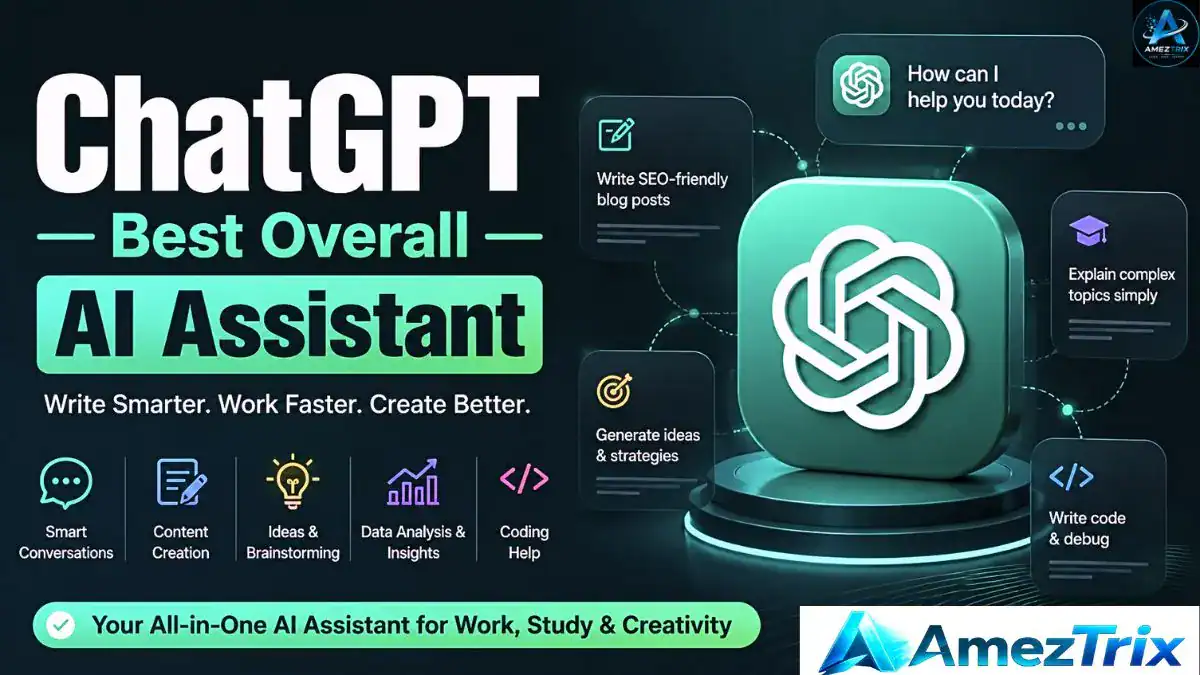
1. ChatGPT — Best Overall AI Writing Assistant
Best for: Bloggers, copywriters, SEO writers, YouTubers, marketers, students
ChatGPT is still the most flexible assistant on this list. Creators use it for blog drafts, video scripts, newsletters, ad copy, and captions, and its ability to hold context makes the output read like a person wrote it — not a fill-in-the-blank template.
Standout features: long-form drafting, script writing, rewriting, SEO help, brainstorming, multilingual output, built-in image generation on paid tiers.
Strengths: flexible, fast, strong across languages, updated often.
Trade-offs: the strongest features sit behind a subscription, and every draft still needs a human accuracy and tone check.
Pricing: Free tier available; paid plans unlock advanced features.
2. Google Gemini — Best for Google Workspace Users
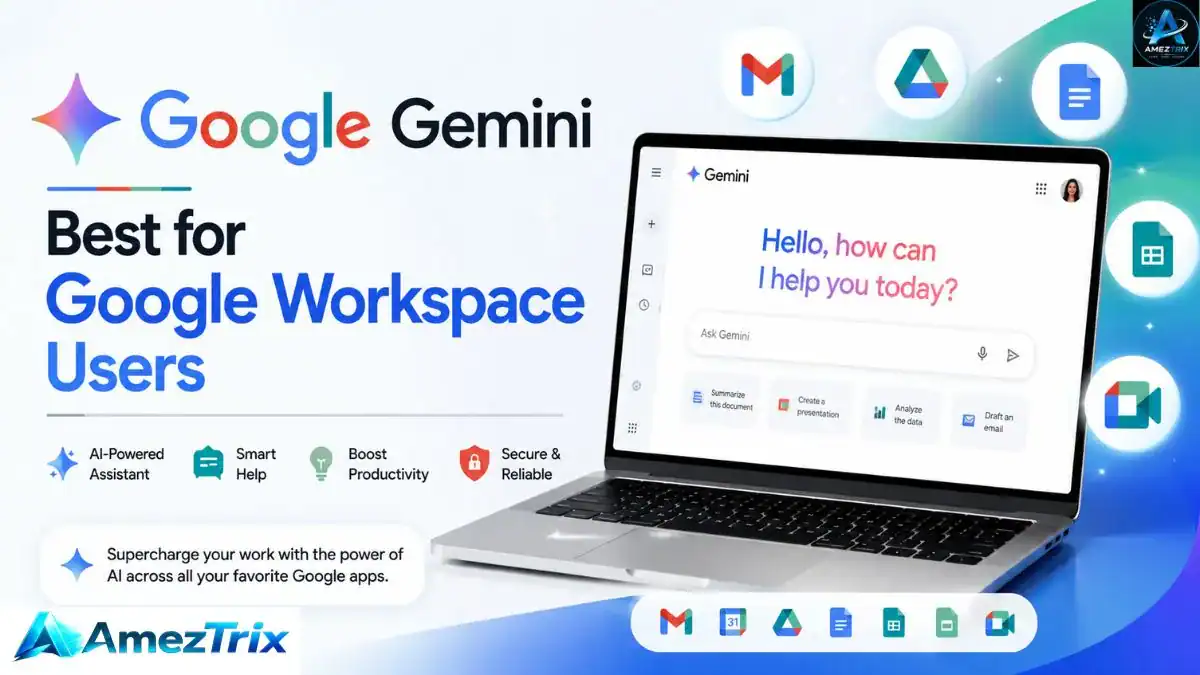
Best for: Docs, Sheets, and Gmail users, researchers, business teams
Gemini’s advantage is that it already lives inside the tools most teams use daily, which makes it especially good at summarizing long documents and drafting emails without switching tabs.
Standout features: Workspace integration, document summarization, spreadsheet support, multimodal input, coding help.
Strengths: fast, reliable, deeply tied to Google’s ecosystem.
Trade-offs: some of the best features are locked behind a premium plan.
Pricing: Free tier available; premium tiers unlock more.
3. Claude AI — Best for Long-Form Writing
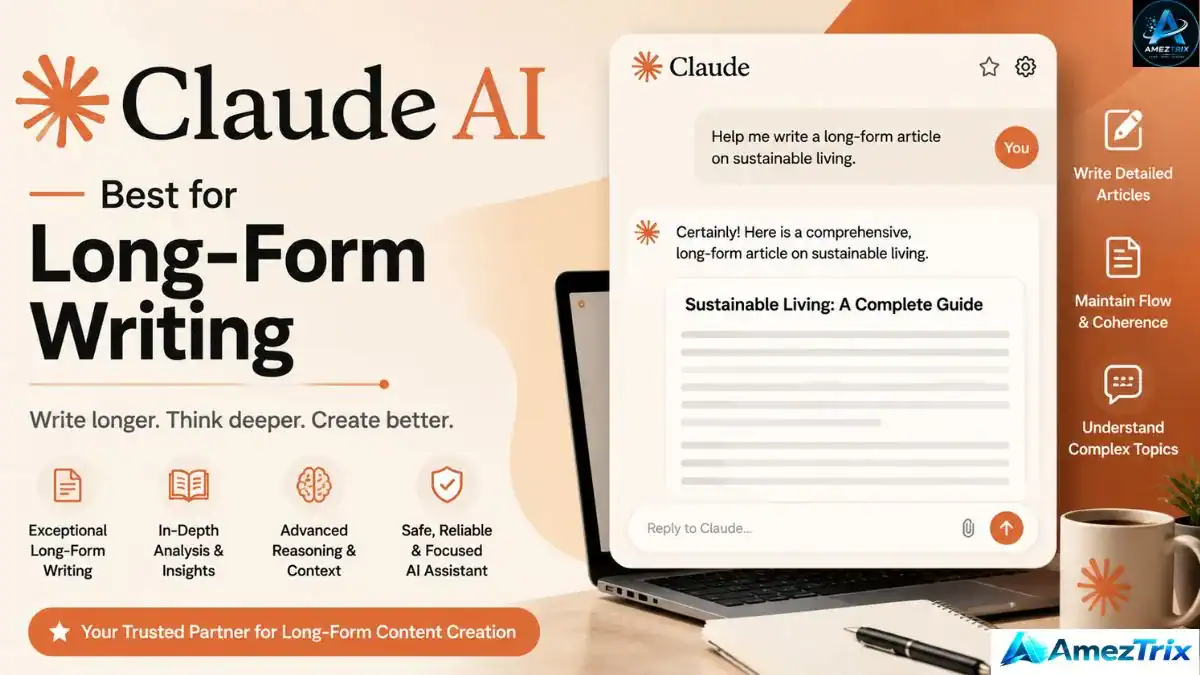
Best for: Professional writers, researchers, technical documentation teams
Claude has built a reputation for coherent, well-structured long-form writing that doesn’t sound machine-generated — a strong choice for in-depth guides and reports that need a natural, readable tone.
Standout features: long-context conversations, document analysis, outlining, code generation, editing support.
Strengths: excellent long-form output, strong reasoning, clean readability.
Trade-offs: exact features vary by plan and region.
Pricing: Free tier available; premium plans unlock more capability.
4. Canva AI — Best for Social Media Design
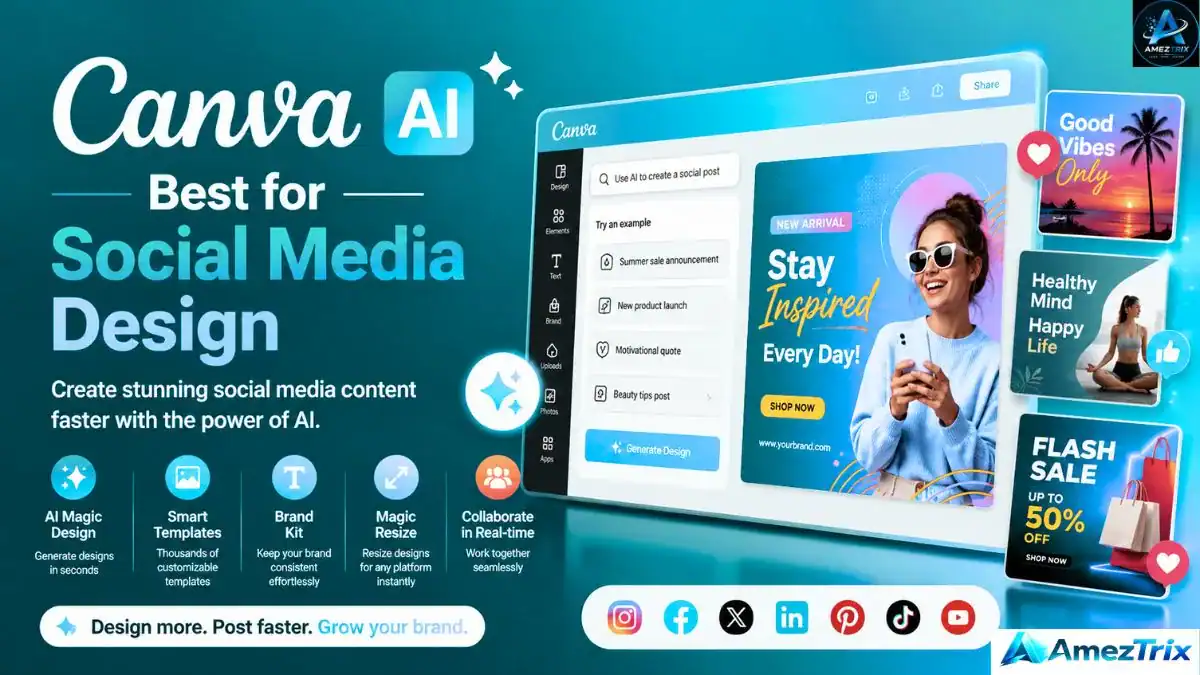
Best for: Instagram creators, YouTubers, small businesses, marketers
Canva AI turns design into a drag-and-drop task — thumbnails, social graphics, and presentations, with zero design background required.
Standout features: Magic Write, background removal, brand kits, social templates, presentation tools.
Strengths: beginner-friendly, huge template library.
Trade-offs: premium assets need Canva Pro.
Pricing: Free tier available; Canva Pro for advanced features.
5. Adobe Firefly — Best AI Image Generator for Professionals
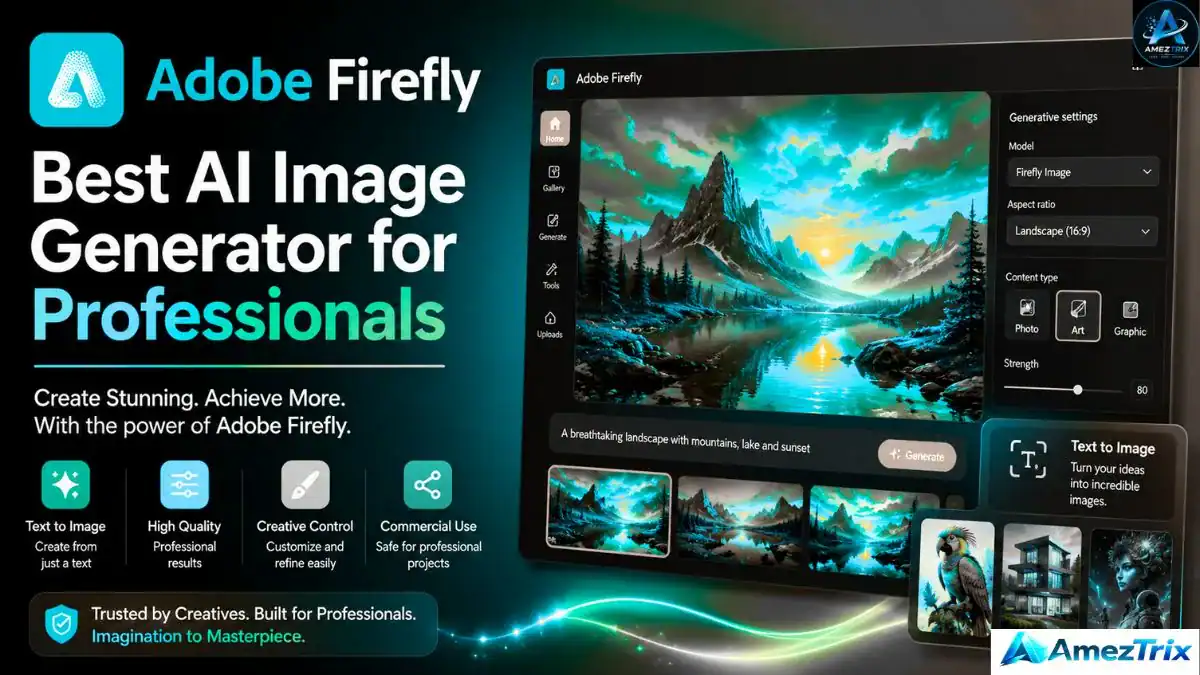
Best for: Designers, digital artists, branding and marketing teams
Firefly suits creators who want AI visuals without losing creative control, and it plugs directly into existing Adobe Creative Cloud workflows.
Standout features: text-to-image, Generative Fill, AI text effects, image expansion, Photoshop/Illustrator integration.
Strengths: professional-grade output, deep Adobe integration.
Trade-offs: full functionality needs a Creative Cloud subscription.
Pricing: Free credits available; paid Creative Cloud plans for full access.
6. Runway — Best AI Video Editing Tool
Best for: YouTubers, filmmakers, short-form creators, agencies
Runway has become the go-to for AI-assisted video — generating clips from prompts, removing backgrounds, swapping objects, and applying cinematic effects without a traditional editing background.
Standout features: text-to-video, background removal, motion tracking, auto captions, AI upscaling, frame interpolation.
Strengths: beginner-friendly, high output quality, a real time-saver for short-form video.
Trade-offs: the free plan caps you on export credits.
Pricing: Free tier available; paid plans for higher limits.
7. Midjourney — Best AI Art Generator
Best for: Designers, digital artists, thumbnail creators
Midjourney remains one of the most respected names in artistic, cinematic image generation — a favorite for featured images and thumbnails that don’t look like stock photography.
Standout features: photorealistic and fantasy art, cinematic visuals, character design, product mockups, logo concepts.
Strengths: exceptional image quality, strong artistic control.
Trade-offs: prompting has a learning curve; paid access is required for full use.
Pricing: Paid plans only. Best for: blog images, book covers, Pinterest pins, YouTube thumbnails.
8. Leonardo AI — Best for Marketing Graphics
Best for: Bloggers, ecommerce stores, social media managers
Leonardo AI produces marketing visuals and product images fast, with generous free daily credits that make it approachable for beginners.
Standout features: AI Canvas, image upscaling, Prompt Magic, custom models, commercial-ready assets.
Strengths: fast generation, free daily credits, easy interface.
Trade-offs: the strongest models sit behind a premium plan.
Pricing: Free tier available; premium plans for advanced models.
9. Descript — Best for Podcast and Video Editing
Best for: Podcasters, YouTubers, course creators
Descript’s text-based editing is its standout feature: delete a sentence from the transcript and the matching audio or video disappears with it — a workflow that saves serious editing time.
Standout features: text-based editing, AI voice cloning, automatic transcription, subtitle generation, screen recording.
Strengths: short learning curve, accurate transcription, ideal for spoken-word content.
Trade-offs: advanced AI voice tools are paywalled.
Pricing: Free tier available; paid plans for advanced features.
10. ElevenLabs — Best AI Voice Generator
Best for: YouTubers, audiobook creators, faceless channels
ElevenLabs produces some of the most natural AI voices available, with emotional tone control and multilingual support — strong for explainer videos and faceless content.
Standout features: voice cloning, multilingual voices, emotion control, speech-to-speech, API access.
Strengths: highly realistic voices, strong pronunciation, fast rendering.
Trade-offs: voice cloning may require identity verification or a higher plan.
Pricing: Free tier available; paid plans for advanced use.
Quick Comparison: Top 10 AI Tools for Content Creation
| Tool | Best For | Free Plan | Rating |
|---|---|---|---|
| ChatGPT | Writing & Research | Yes | ★★★★★ |
| Google Gemini | Google Workspace | Yes | ★★★★★ |
| Claude AI | Long-form Writing | Yes | ★★★★★ |
| Canva AI | Graphic Design | Yes | ★★★★★ |
| Adobe Firefly | Professional Images | Limited | ★★★★★ |
| Runway | AI Video Editing | Yes | ★★★★★ |
| Midjourney | AI Artwork | No | ★★★★★ |
| Leonardo AI | Marketing Graphics | Yes | ★★★★★ |
| Descript | Podcast Editing | Yes | ★★★★★ |
| ElevenLabs | AI Voiceovers | Yes | ★★★★★ |
11. Notion AI — Best AI Productivity Tool
Best for: Freelancers, content teams, startups
Notion AI combines note-taking, project management, and writing help in one workspace — useful for anyone running several content projects who’s tired of juggling five separate apps.
Standout features: AI writing assistant, meeting notes, summarization, content calendars, database automation.
Strengths: strong for organization and planning, solid team collaboration.
Trade-offs: AI features are limited on the free tier.
Pricing: Free tier available; AI add-on and paid plans for full functionality.
12. Jasper AI — Best AI Marketing Copywriter
Best for: Agencies, ecommerce brands, business owners
Jasper is purpose-built for conversion copy — landing pages, ads, email campaigns, SEO blog posts — rather than general-purpose assistance.
Standout features: blog writing, landing pages, brand voice settings, campaign templates.
Strengths: strong marketing copy, consistent brand voice, good for teams.
Trade-offs: pricier than most alternatives; built for professional marketers.
Pricing: Free trial available; premium plans for ongoing use.
13. Copy.ai — Best for Social Media Copy
Best for: Social media managers, small businesses, freelancers
Copy.ai is built for fast, short-form output — captions, post ideas, product blurbs — a reliable fix for writer’s block on a busy publishing day.
Standout features: social captions, blog outlines, product descriptions, content repurposing.
Strengths: quick output, beginner-friendly, large template library.
Trade-offs: longer content usually needs an extra editing pass.
Pricing: Free tier available; paid plans for higher usage.
14. Pika — Best AI Text-to-Video Generator
Best for: YouTubers, Reels and TikTok creators, advertisers
Pika turns simple text prompts into short animated clips — approachable even without traditional editing experience.
Standout features: text-to-video, image-to-video, motion effects, HD export.
Strengths: fast, creative, beginner-friendly.
Trade-offs: limited free credits; longer videos need extra editing.
Pricing: Free tier available; premium plans for more output.
15. Synthesia — Best AI Avatar Video Generator
Best for: Businesses, trainers, HR and education teams
Synthesia lets creators produce polished, presenter-style videos with AI avatars — no camera, studio, or on-camera talent required.
Standout features: AI avatars, multilingual voice generation, presentation templates, team collaboration.
Strengths: no filming required, professional look, wide language support.
Trade-offs: premium pricing; avatar customization is more limited than a live presenter.
Pricing: Paid plans only.
Pros and Cons of Using AI Tools for Content Creation
Pros
- Cuts production time from hours to minutes
- Opens up design, editing, and voiceover work to non-technical creators
- Sparks fresh ideas and breaks through creative blocks
- Speeds up keyword research and on-page SEO optimization
- Enables multilingual publishing without outside translators
- Lets solo creators match small-agency output
Cons
- Every output still needs a human check for accuracy and tone
- The most useful features are usually paywalled
- Stacking too many tools raises cost and adds workflow friction
- Unedited AI content can read as generic
- AI can occasionally surface outdated or incorrect information
- Over-reliance can slowly dilute a creator’s own voice
Best AI Tool by Content Type
| Content Type | Recommended Tool |
|---|---|
| Blog Writing | ChatGPT, Claude AI |
| SEO Articles | ChatGPT, Jasper AI |
| Keyword Research | ChatGPT, Gemini |
| Graphic Design | Canva AI, Adobe Firefly |
| AI Images | Midjourney, Leonardo AI |
| Video Editing | Runway |
| AI-Generated Videos | Pika, Synthesia |
| Podcast Editing | Descript |
| Voiceovers | ElevenLabs |
| Social Media Content | Copy.ai, Canva AI |
| Content Planning | Notion AI |
How to Choose the Right AI Tool for Your Workflow
1. What do you actually produce?
Bloggers need writing tools, YouTubers need video editors, designers need image generators, and businesses often need marketing automation. Match the tool to your real workflow, not the trend.
2. Does it fit your budget?
Most platforms have a usable free tier — test first, upgrade only for features that genuinely move the needle.
3. Does it fit your existing stack?
Tools that connect with Google Workspace, Adobe Creative Cloud, WordPress, or your project management app cut down on friction.
4. Is the output actually trustworthy?
Always review AI content for accuracy and tone — favor tools known for consistent results over ones with flashy demos.
5. Will it scale with you?
As your audience grows, look for team features and commercial usage rights, so you’re not forced to switch platforms mid-growth.
Common Mistakes Creators Make With AI Tools
- Publishing without editing — always proofread for accuracy and voice before hitting publish.
- Stacking too many tools — this drives up cost and adds friction; keep your stack lean.
- Skipping SEO fundamentals — great writing still needs keyword research, clear headings, and search-intent alignment.
- Losing your brand voice — let AI support your creativity, not replace your personality.
- Skipping fact-checking — AI can get numbers, prices, or stats wrong; verify before publishing.
Recommended AI Stack by Creator Type
| Content Creator | Best AI Tools |
|---|---|
| 📝 Bloggers | ChatGPT • Claude AI • Canva AI • Notion AI |
| 🎥 YouTubers | Runway • ElevenLabs • Pika • Canva AI |
| 📱 Social Media Creators | Canva AI • Copy.ai • Leonardo AI |
| 💰 Affiliate Marketers | ChatGPT • Jasper AI • Canva AI • Notion AI |
| 🏢 Small Businesses | Google Gemini • Canva AI • Synthesia • ChatGPT |
Expert Recommendation
You don’t need all 15 tools to get started. This lean combo covers most needs:
- ChatGPT for research and writing
- Canva AI for graphics and thumbnails
- Runway for video editing
- ElevenLabs for voiceovers
That’s enough to run a professional blog, YouTube channel, or social presence — without overspending on subscriptions you’ll barely touch.
Frequently Asked Questions
What are the Best AI Tools for Content Creators in 2026?
There’s no single best Google AI tool for everyone. ChatGPT is the most versatile for writing and research, Runway leads for video, Canva AI and Adobe Firefly are strong for graphics, and ElevenLabs stands out for voiceovers.
Are AI content creation tools free?
Most offer a free plan with limited features or monthly credits — enough for beginners. Paid plans unlock higher limits and advanced capabilities as your needs grow.
Can AI completely replace content creators?
No. AI works best as an assistant. Human creativity, storytelling, and lived experience are still what make content trustworthy and genuinely engaging.
Which AI tools work best for YouTubers?
A combination works best: ChatGPT for scripts, Runway for editing, ElevenLabs for voiceovers, Canva AI for thumbnails, and Pika for short-form clips.
Which AI tools work best for bloggers?
ChatGPT for drafts and outlines, Claude AI for polishing long-form pieces, Canva AI for featured images, and Notion AI for planning and editorial calendars.
Is AI-generated content good for SEO?
Yes — when it’s original, accurate, genuinely useful, and reviewed by a human. Focus on search intent, clear structure, and up-to-date information.
Which AI image generator is best?
It depends on the goal: Midjourney for artistic, cinematic visuals; Adobe Firefly for professional design workflows; Leonardo AI for fast marketing graphics.
Can AI help with social media content?
Yes — captions, hashtags, post ideas, scripts, and thumbnails can all be AI-assisted, and one blog post can be repurposed into several social posts quickly.
Free vs. Paid AI Tools: Which Should You Choose?
Go free if you: are just starting, publish occasionally, want to test before committing, or work with a tight budget. Recommended free tools: ChatGPT, Google Gemini, Canva AI, Leonardo AI, Descript, ElevenLabs, Runway (free tier).
Go paid if you: publish professionally or weekly, run a business or agency, need commercial usage rights, or want faster generation and higher limits.
| Creator Type | Recommended Tool Combo |
|---|---|
| Blogger | ChatGPT + Claude AI + Google Gemini |
| YouTuber | Runway + ElevenLabs |
| Graphic Designer | Midjourney + Adobe Firefly |
| Instagram Creator | Canva AI + Leonardo AI |
| Affiliate Marketer | ChatGPT + Canva AI |
| Podcaster | Descript + ElevenLabs |
| Freelancer | ChatGPT + Canva AI |
| Small Business | Gemini + Canva AI |
Final Verdict
AI has genuinely reshaped how content gets made. Research, writing, design, editing, and voiceovers that once ate up entire days can now happen in a fraction of the time. But the Best AI Tools for Content Creators winning in 2026 aren’t the ones letting AI do everything for them — they’re the ones pairing AI’s speed with their own judgment, voice, and lived expertise.
Start small. Pick two or three tools that match your actual workflow, and expand only when you genuinely feel the gap. The goal was never to collect subscriptions — it’s to publish better content, more consistently, without burning out.
About the Author
Rajendra Parmar is the founder of AmezTrix and a passionate AI & technology writer. He shares expert guides, honest reviews, and practical tutorials on AI tools, WordPress, web hosting, SEO, digital marketing, gadgets, and emerging technologies. His mission is to help readers make smarter tech decisions with accurate, up-to-date, easy-to-understand content.