Quick answer: The best free AI image generator in 2026 is ChatGPT’s image tool for overall quality, Canva AI for beginners, Adobe Firefly for commercially safer images, Ideogram for text inside images and Leonardo AI for digital art. Free plans come with daily limits, so check each tool’s current terms before using images commercially.
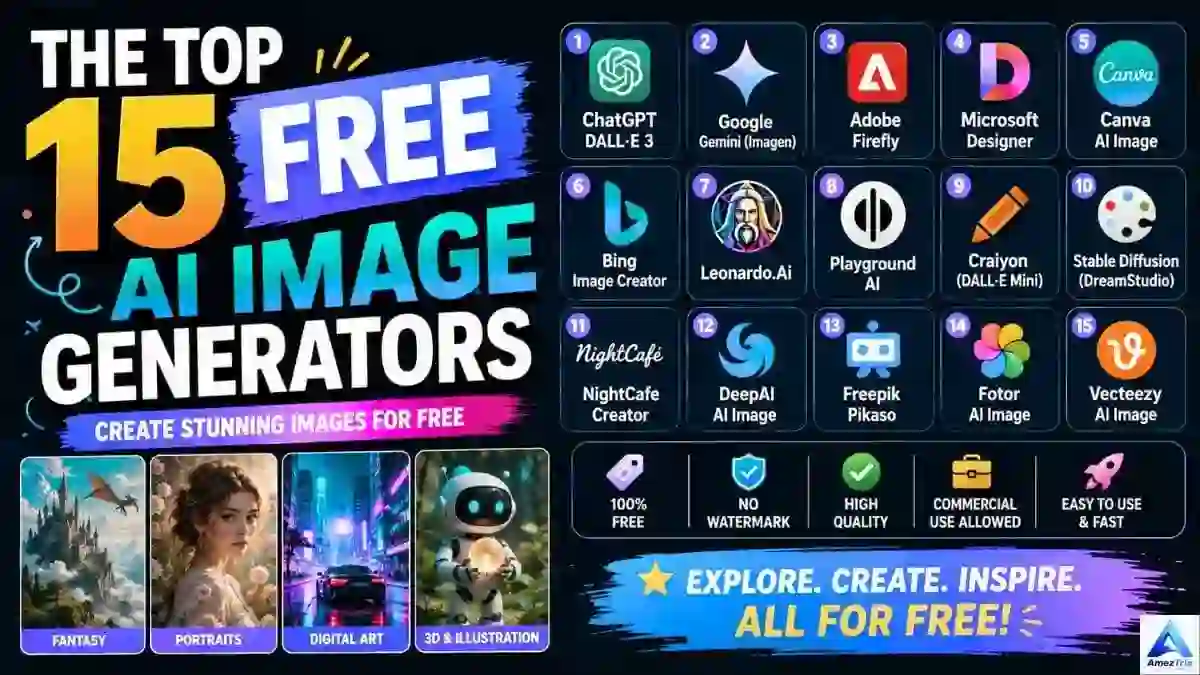
Best Free AI Image Generators (2026)
Not long ago, a decent blog banner meant opening Photoshop, hunting for stock photos or paying a freelancer and waiting a day or two. Now you type a sentence, wait ten seconds and get a usable image. For bloggers, students, YouTubers and small business owners, that’s a big shift, and the best part is that you can start without spending a rupee.
The catch? There are dozens of tools, and they’re not equal. Some bury a watermark in the corner. Some limit you to three images a day. Some are great at photos but can’t spell a single word inside a poster. So I’ve sorted through the options and put together this guide to the best free AI image generators worth your time right now.
Here’s what you’ll find inside:
- 15 free AI image generators, each with its best use case
- Tools that don’t add a watermark
- Tools that work without signing up
- The best free options for logos and YouTube thumbnails
- A simple prompt formula you can copy
- A plain-English look at commercial-use rights
Table of Contents
- What is an AI image generator?
- How text-to-image AI works
- Free vs paid plans
- How to choose the right tool
- Top 15 free AI image generators
- Quick comparison table
- How to write better prompts
- Best tools by platform
- Free AI logo generators
- YouTube thumbnail generators
- No-watermark and no-sign-up tools
- Commercial use
- Common mistakes
- FAQ
Best Free AI Image Generators at a Glance
| If you want… | Pick this |
|---|---|
| The best overall results | ChatGPT image generator |
| The easiest start for beginners | Canva AI (Magic Media) |
| Safer images for commercial projects | Adobe Firefly |
| Readable text inside images and logos | Ideogram |
| Fantasy, game and digital art | Leonardo AI |
| Realistic photos | Google Gemini or Flux |
| Social media posts and thumbnails | Microsoft Designer |
| No account needed | DeepAI or Craiyon |
What Is an AI Image Generator?
An AI image generator is software that turns a written description into a brand-new picture. That picture can be a photo-style shot, an illustration, a logo, a poster or an anime character. Try typing this:
“A neon-lit night market in Tokyo during light rain, cinematic mood”
A few seconds later you get an original image that matches it. The tool isn’t stitching together existing photos. It builds the picture from scratch based on patterns it learned during training. This technology is called text-to-image AI, and people now use it for product mockups, blog covers, ad creatives, logos and YouTube thumbnails.
How Does Text-to-Image AI Work?
It feels like magic, but it follows three simple steps.
- It reads your prompt. Take “a golden retriever puppy wearing sunglasses on a beach.” The model picks out the subject (puppy), breed, accessory, setting and mood.
- It plans the scene. Next it decides where everything sits, how the light falls, which camera angle fits and what style to use.
- It generates the image. Most modern tools use diffusion. They start from visual noise and clean it up step by step until the picture matches your words.
Knowing this helps you write better prompts, because the model can only work with what you actually tell it.
Why Are Free AI Image Generators So Popular?
- No design skills needed. You describe it; the tool builds it.
- Speed. A task that once took an afternoon now takes about a minute.
- Lower cost. Stock subscriptions and freelance fees add up quickly.
- Endless experiments. Try the same idea as a watercolor, a 3D render and a line drawing in five minutes.
- Made for creators. Pinterest pins, LinkedIn banners and Instagram posts are now easy to produce.
Who Benefits Most?
- Bloggers get original featured images instead of the same stock photos everyone uses.
- YouTubers test several thumbnail ideas before publishing.
- Students make posters, diagrams and presentation visuals.
- Small business owners create logos, banners and ad creatives without hiring an agency.
- Digital marketers produce creatives for Google Ads, Meta campaigns and newsletters.
- Freelancers add AI-assisted design to their services and deliver faster.
Free vs Paid AI Image Generators
| Feature | Free Plan | Paid Plan |
|---|---|---|
| Cost | ₹0 | Monthly subscription |
| Image quality | Good | Excellent |
| Daily limit | Restricted | High or unlimited |
| Watermark | Sometimes | Rarely |
| Commercial license | Varies by tool | Usually included |
| Resolution | Standard HD | HD or 4K |
| Speed | Standard | Faster, priority queue |
| Editing tools | Basic | Full suite |
| API access | Uncommon | Common |
If you’re a hobbyist or just starting out, a free plan is more than enough. If you create content in bulk or work with clients, you’ll eventually hit the daily limits and want a paid plan for speed and clearer licensing.
How to Choose the Right Free AI Image Generator
Before you commit to one tool, run through this checklist:
- Image quality: Are results sharp, or slightly soft and plasticky?
- Speed: Seconds are fine; minutes are not.
- Watermark: A forced logo ruins professional work.
- Commercial rights: Essential if you earn money from your content.
- Style range: Photo, anime, oil painting, 3D, sketch and more.
- Editing features: Background removal, inpainting, upscaling and object removal save a lot of time.
- Ease of use: You shouldn’t need a tutorial to make your first image.
The Top 15 Free AI Image Generators in 2026
1. ChatGPT Image Generator: Best Overall
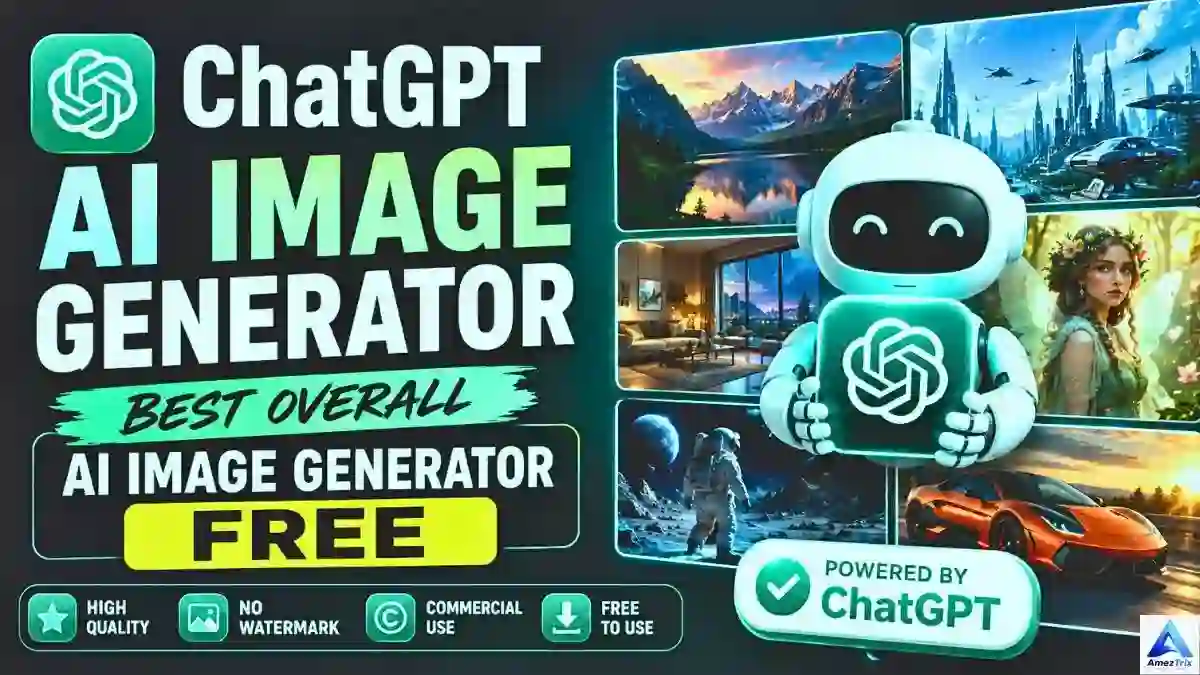
ChatGPT is the tool I’d try first. It understands long, detailed prompts, handles realistic photos and illustrations, and does a better job with readable text than most rivals. You can also ask for changes in plain conversation, such as “make the background darker,” instead of starting over.
Strengths: accurate prompt following, strong quality, easy edits, good for blog and marketing visuals.
Trade-off: free accounts have daily caps, and some advanced features need a paid plan.
2. Stable Diffusion: Best for Control and Customization
Stable Diffusion is an open image model, so many free websites and apps are built on it. You can pick styles, adjust settings and even run it on your own computer if you have a decent graphics card. It’s less polished for beginners, but nothing beats it for flexibility.
3. Google Gemini: Best for Realistic Photos
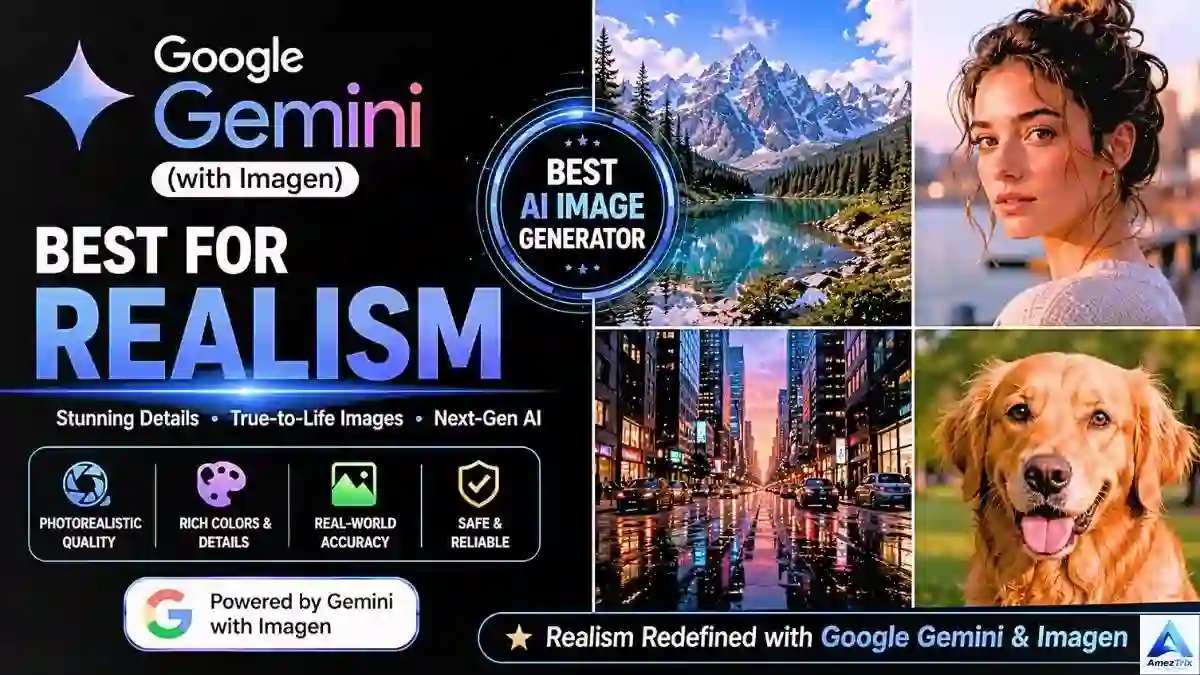
Gemini’s image generation is strong at natural colors, lifestyle scenes and landscapes. It’s simple to use and offers decent free access with a Google account, though limits and features vary. Not sure whether Gemini or ChatGPT suits you better? Our ChatGPT vs Gemini comparison breaks it down.
4. Microsoft Designer: Best for Social Media Creators
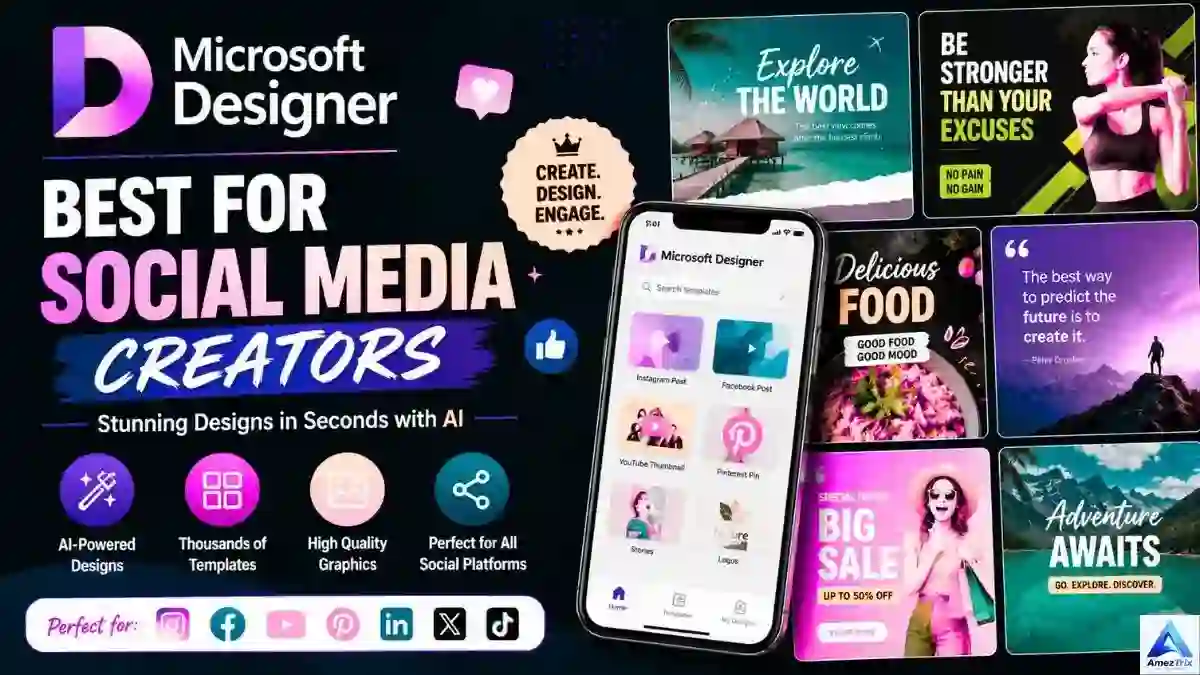
Designer combines image generation with a full design toolkit: templates, brand kits, background removal and quick resizing for every platform. It’s one of the fastest routes from an idea to a finished Instagram post, event poster or thumbnail.
5. Adobe Firefly: Best for Commercial Projects
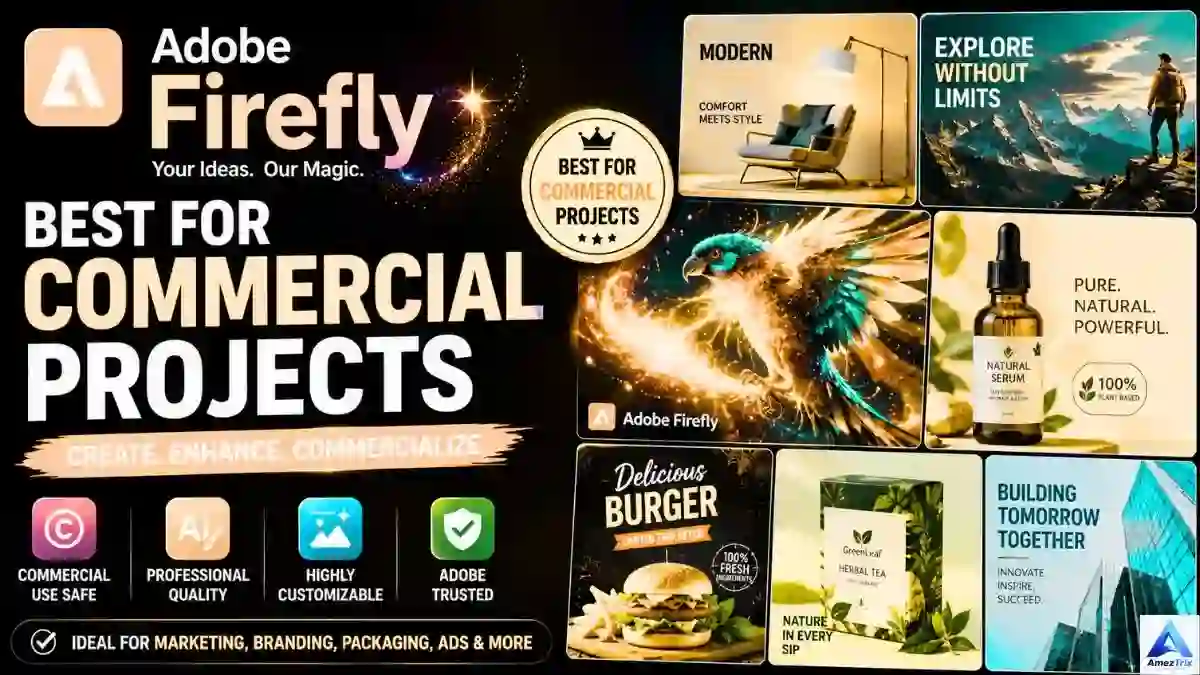
Adobe says Firefly is trained on licensed and public-domain material, which is why many agencies feel more comfortable with it for client work. It also connects with Photoshop and Illustrator, so the images slide into a professional workflow.
6. Canva AI (Magic Media): Best for Beginners
Canva builds AI generation straight into its drag-and-drop editor. You create an image, drop it into a template, add text and export, all in one place. Students, teachers and small business owners usually start here.
7. Leonardo AI: Best for Game and Fantasy Art
Concept artists and game designers love Leonardo for its style models and community-trained options. Free accounts get daily credits, which is plenty for character and environment ideas.
8. Ideogram: Best for Text Inside Images
Many generators turn words into gibberish. Ideogram is the exception, so it’s a top pick for posters, quote graphics and text-based logos.
9. Playground AI: Best for Generating and Editing Together
Playground lets you create and edit in the same workspace, with tools like inpainting, background swaps and style transfer.
10. Flux: Best for Premium-Looking Realism
Flux is known for sharp detail and cinematic lighting. People use it for product shots, fashion imagery and interior mockups that need to look expensive. Free access is more limited than with other tools here.
11. Craiyon: Best for Simple, Unlimited Experiments
Craiyon is easy and free, and it’s a good place to learn how prompts behave. Quality trails the premium tools, but it works well for practice.
12. Dream by WOMBO: Best for Artistic Styles
If you prefer watercolor, oil painting or abstract looks over photorealism, Dream by WOMBO gives you plenty of creative styles to play with.
13. DeepAI: Best for Skipping Sign-Up
DeepAI runs in your browser and doesn’t ask for an account, so it’s handy for testing an idea quickly.
14. NightCafe Creator: Best for Community and Challenges
NightCafe adds daily free credits, art challenges and a shared gallery, which makes it a good source of inspiration.
15. Bing Image Creator: Best for Quick Realistic Images
Bing Image Creator is a straightforward browser tool for blog illustrations, marketing images and portraits, and it fits neatly into the Microsoft ecosystem.
Best Free AI Image Generators: Quick Comparison
Free plans, watermark rules and licenses change often. Treat this table as a starting point and confirm on each tool’s official page.
| Tool | Free Plan | Watermark | Commercial Use | Best For |
|---|---|---|---|---|
| ChatGPT | Yes (daily limits) | Usually no | Yes, per terms | Overall best |
| Stable Diffusion | Yes (varies by site) | Varies | Depends on model and site | Customization |
| Google Gemini | Yes | Varies | Check terms | Realistic photos |
| Microsoft Designer | Yes | No | Yes, per terms | Social media |
| Adobe Firefly | Yes (credits) | Varies | Yes, per plan | Commercial design |
| Canva AI | Yes (limited) | No | Yes, per terms | Beginners |
| Leonardo AI | Yes (daily credits) | Plan-dependent | Yes, per plan | Digital art |
| Ideogram | Yes (limited) | No | Per plan | Text in images |
| Playground AI | Yes | No | Per plan | Photo editing |
| Flux | Limited | Varies | Depends on model | Realistic visuals |
| Craiyon | Yes | Sometimes | Limited | Learning |
| Dream by WOMBO | Yes | Limited | Limited | Artistic styles |
| DeepAI | Yes | Limited | Limited | No sign-up |
| NightCafe | Yes (daily credits) | No | Per terms | Community art |
| Bing Image Creator | Yes | Small mark possible | Check terms | Quick images |
Which One Should You Pick?
- Best overall: ChatGPT
- Best for beginners: Canva AI
- Best for commercial projects: Adobe Firefly
- Best for fantasy and digital art: Leonardo AI
- Best for logos and text: Ideogram
- Best for YouTube thumbnails: Microsoft Designer
- Best for social media: Canva AI and Microsoft Designer
- Best for realistic photography: Google Gemini or Flux
- Best without sign-up: DeepAI
How to Write Prompts That Get Great Images
The tool matters, but your prompt matters more. Compare these two:
- Weak: “A cat”
- Strong: “A fluffy white Persian cat on a sunlit wooden table by a window, realistic photography, shallow depth of field, warm morning light, 8K detail.”
The second prompt tells the AI the mood, light and composition, so the result looks planned. Use this formula (or let a free AI prompt generator draft it for you):
Subject + Setting + Style + Lighting + Camera Angle + Quality Details
| Use Case | Sample Prompt |
|---|---|
| Realistic photo | A young entrepreneur working on a laptop in a modern office, natural sunlight through large windows, 85mm lens, shallow depth of field, ultra-detailed. |
| Fantasy art | A floating castle above the clouds at sunset, cinematic lighting, vibrant colors, detailed digital painting. |
| Blog featured image | Artificial intelligence creating digital artwork on a futuristic screen, blue neon lighting, clean composition, 16:9. |
| Product mockup | A luxury smartwatch on black marble, soft studio lighting, premium product photography, ultra-realistic. |
Quick Prompt Tips
- Be specific about the subject.
- Always name an art style.
- Mention the light: golden hour, studio, neon, cinematic.
- Choose a camera angle: close-up, aerial, wide-angle.
- Add mood and color direction.
- State the aspect ratio you need (16:9, 1:1, 9:16).
Best Free AI Image Generators by Platform
| Platform | Ideal Size | Best Tools |
|---|---|---|
| 1:1 or 9:16 | ChatGPT, Canva AI, Microsoft Designer | |
| 16:9 or 1:1 | Microsoft Designer, Adobe Firefly, Canva AI | |
| 1000×1500 px (2:3) | Canva AI, Ideogram, ChatGPT | |
| 1200×627 px | Adobe Firefly, Microsoft Designer | |
| YouTube | 1280×720 px (16:9) | Microsoft Designer, Canva AI, Ideogram |
If you create content for several platforms, our roundup of AI tools for content creators covers more helpers worth adding to your workflow.
Best Free AI Logo Generators
A good logo is crisp, simple and easy to scale. Look for transparent backgrounds, several concepts per prompt and easy color changes.
| Tool | Best For |
|---|---|
| Ideogram | Text-based logos |
| Canva AI | Simple business logos |
| ChatGPT | Creative logo concepts |
| Adobe Firefly | Professional branding |
| Microsoft Designer | Quick logo drafts |
Tip: Once you like a concept, redraw it in a vector editor before using it as your official brand mark. AI logos are great for ideas but often need cleanup.
Best AI Thumbnail Generators for YouTube
A thumbnail has one job: stop the scroll. Aim for high contrast, big readable text, an expressive face and a single focal point.
Recommended tools: ChatGPT, Microsoft Designer, Canva AI, Adobe Firefly and Ideogram.
Sample prompt: “YouTube thumbnail about artificial intelligence, futuristic robot, glowing blue background, dramatic lighting, high contrast, 16:9.”
Free AI Image Generators Without a Watermark
| Tool | Watermark on Free Plan |
|---|---|
| ChatGPT | Usually none visible |
| Microsoft Designer | None |
| Canva AI | None |
| Ideogram | None |
| Leonardo AI | Plan-dependent |
| Adobe Firefly | Varies by feature and plan |
Policies change, so do a quick export test before you publish anything important.
Free AI Image Generators Without Sign-Up
- DeepAI
- Craiyon
- Some Playground AI features
- Occasional guest modes on other platforms (availability varies)
These are best for quick tests. Expect lower resolution and tighter daily limits.
Can You Use Free AI Images Commercially?
Often yes, but not always. The answer depends on the tool, the plan and the type of use. Here are the safest starting points:
- Adobe Firefly
- ChatGPT
- Canva AI
- Microsoft Designer
Commercial use usually covers blog images, social campaigns, website graphics, packaging and presentations. Before client work, read the tool’s current terms, avoid prompts that copy a living artist’s style or a brand’s logo, and keep a screenshot of the license for your records. If you’re unsure, a lawyer can give advice for your situation; this guide can’t.
Common Mistakes That Ruin AI Images
- Prompts that are too short. “Dog” gives random results; “Golden Retriever playing in a flower garden at sunrise, warm light, detailed” gives a usable image.
- Ignoring aspect ratio. Match the format to the platform before you generate.
- Skipping the style. Realistic, anime, watercolor, 3D, minimalist: name one.
- Too many ideas at once. Keep each prompt to one concept.
- Accepting the first result. Treat it as a draft and refine it.
- Forgetting alt text. If you publish images on your blog, add clear alt text so search engines and screen readers understand them.
Stick With Free or Upgrade?
Free is enough for: students, hobbyists, new bloggers, small websites and social media beginners.
Upgrade if you are: an agency, professional designer, marketing team, e-commerce brand or high-volume creator who needs speed, resolution and clear commercial rights.
5 Ways to Get Better Results From Any Tool
- Write detailed prompts. “AI robot” becomes “A humanoid robot in a modern office, blue neon lighting, cinematic composition, shallow depth of field.”
- Generate variations. Create several versions and pick the best.
- Refine, don’t restart. Change lighting, angle or color instead of rewriting everything.
- Polish afterwards. Crop, color-correct and add text in Canva, Photoshop or GIMP.
- Stay consistent. Reuse the same palette and style so your content feels like one brand.
Where AI Images Are Used Most
- Blogging: featured images, infographics and comparison graphics. Pair them with strong on-page optimization from our best AI SEO tools list, and read SEO vs GEO vs AEO to see how AI search treats visuals.
- Digital marketing: ad creatives, email banners and landing page visuals. See more in our guide to AI in digital marketing.
- E-commerce: product mockups, lifestyle shots and promo banners.
- Education: diagrams, posters and slides.
- Business: pitch decks, branding assets and corporate visuals.
Where AI Image Generation Is Headed
Expect sharper realism, faster rendering, more accurate text inside images, natural-language editing, stronger brand-consistency tools and live collaborative design. As the tools mature, creators will spend less time fighting software and more time on ideas.
Frequently Asked Questions
What is the best free AI image generator?
For most people, ChatGPT’s image generator offers the best mix of quality and ease. Canva AI suits beginners, Adobe Firefly suits commercial projects, Ideogram suits text-heavy designs and Leonardo AI suits digital art.
Can I use AI-generated images commercially?
Many platforms allow it, but terms differ by tool and plan. Always check the current license before using images in ads, products or client work.
Which free AI image generator has no watermark?
Microsoft Designer, Canva AI, Ideogram and ChatGPT generally export clean images on free plans, though policies can change. Test one export before publishing.
Which tool is best for YouTube thumbnails?
Microsoft Designer, Canva AI, ChatGPT and Ideogram all handle bold, high-contrast thumbnails well.
Is there a free AI image generator without sign-up?
Yes. DeepAI and Craiyon let you generate images without creating an account, though limits are tighter.
Do I need design experience to use these tools?
No. Describe your idea in plain language and the tool does the rest. A little practice with prompts improves results quickly.
Which free AI image generator is best for logos?
Ideogram is the strongest free choice for logos with text. Use a vector editor afterwards to clean up the final design.
Final Verdict
| Use Case | Recommended Tool |
|---|---|
| Best overall | ChatGPT |
| Best for beginners | Canva AI |
| Best for digital art | Leonardo AI |
| Best for realistic photos | Google Gemini or Flux |
| Best for commercial use | Adobe Firefly |
| Best for logos | Ideogram |
| Best for thumbnails | Microsoft Designer |
| Best for social media | Canva AI and Microsoft Designer |
| Best without sign-up | DeepAI |
If you create content regularly, pairing ChatGPT with Canva AI or Microsoft Designer gives you a fast, free workflow that covers everything from a quick Instagram post to a full blog cover.
Still, the tool matters less than you’d think. What really moves the needle is writing prompts that say exactly what you mean, reading each platform’s license before you publish and treating your first result as a starting point, not the finish line.
About the Author
Rajendra Parmar is the Founder and Editor of AmezTrix, where he covers Artificial Intelligence, Technology, WordPress, Web Hosting, Digital Marketing, Gadgets and Software. His goal is to simplify complex technology through practical tutorials, honest reviews and well-researched guides that help readers make smarter digital decisions.

Rajendra Parmar
Founder & Editor • AmezTrix
Rajendra Parmar is the Founder and Editor of AmezTrix, a platform covering Artificial Intelligence, Technology, WordPress, Web Hosting, Digital Marketing, Gadgets, Software Reviews, and emerging innovations. His mission is to simplify complex technology through practical tutorials, honest reviews, and well-researched guides that help readers make smarter digital decisions.